888-2408-002 5-11
WARNING: Disconnect primary power prior to servicing.
Maintenance and Alignment
5.11 Forward Power Calibration
If at all possible, it is recommended that the transmitter be calibrated at the full 5kW
power level, even if your TPO is different. This restores all of the calibration
parameters to the same relative values as were set up in the factory. It will also
assure that the transmitter will be able to reach its full 6kW power output if so
desired (this is a user defined level which is set by the MAX HIGH SET in the
configuration menus). If it is not possible to calibrate at 5kW use your normal
transmitter power output (TPO).
The following Forward Power Calibration procedure requires an external power
meter to be used as the calibration reference.
STEP 1 Shut the transmitter off. Press [HOME, MORE, CONFIGURATION,
D] and set your operating frequency.
STEP 2 Go to the 100% TPO SET screen [HOME, MORE,
CONFIGURATION B,A]. Set this screen to read the power at which
you are going to calibrate (5kW or your TPO).
STEP 3 Press [HOME, MORE, CONFIGURATION B,B]. This should take
you to the MAX HIGH SET screen. Make a note of the setting and
then change it to 6kW for this procedure. Press [BACK] to update
the information.
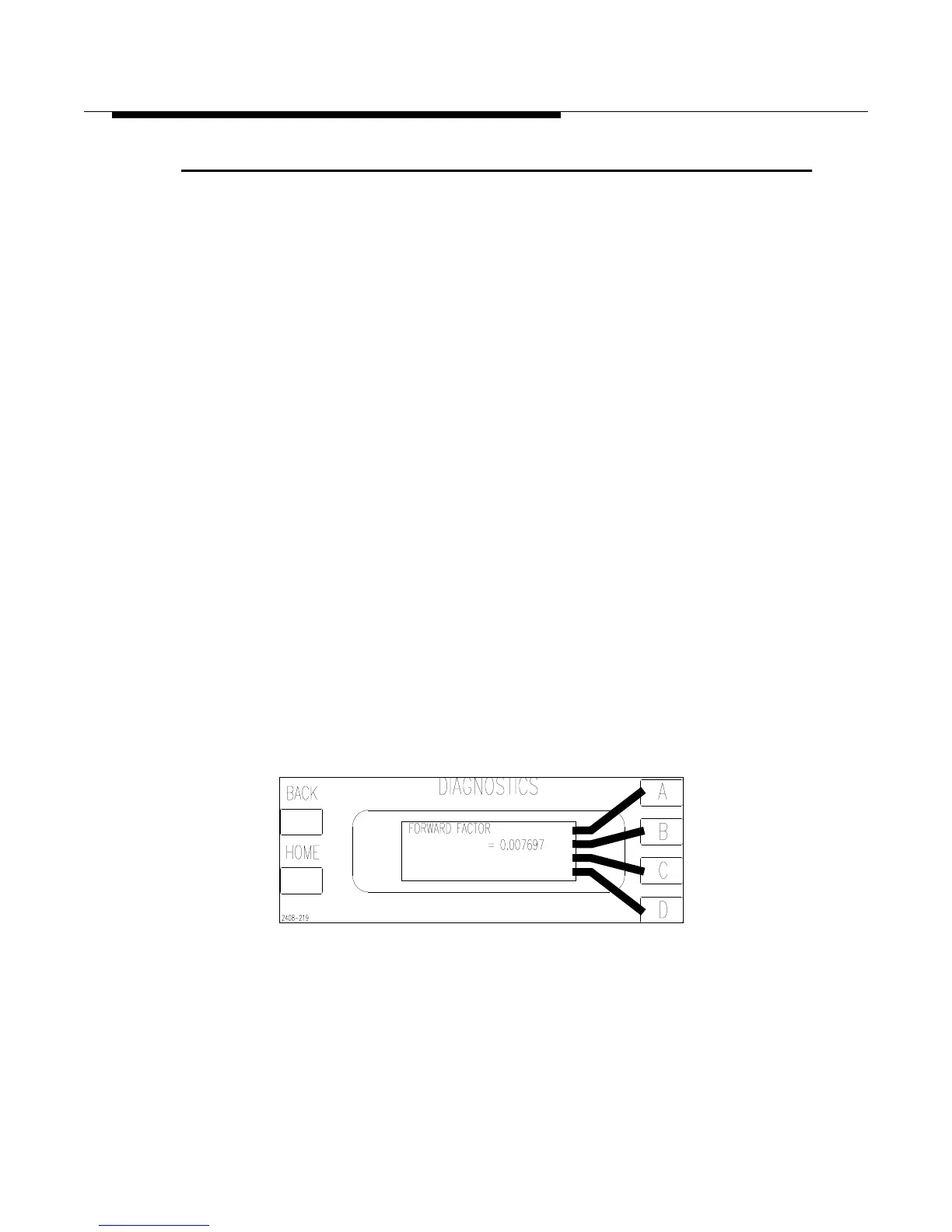
STEP 4 Press [HOME,MORE,CONFIGURATION C,A,A] to go to the
Forward Factor screen in Figure 5-3. If necessary edit this screen to
read 0.007697. To access the edit controls press and hold the [D] key
and press [C]. Press [BACK] to save the changes.
Figure 5-3 Forward Calibration Factor Screen
[HOME,MORE,CONFIGURATION C,A,A]



 To Next Page