3-10 888-2408-002
WARNING: Disconnect primary power prior to servicing.
Operator Guide
3.6 Manual Exciter Switching
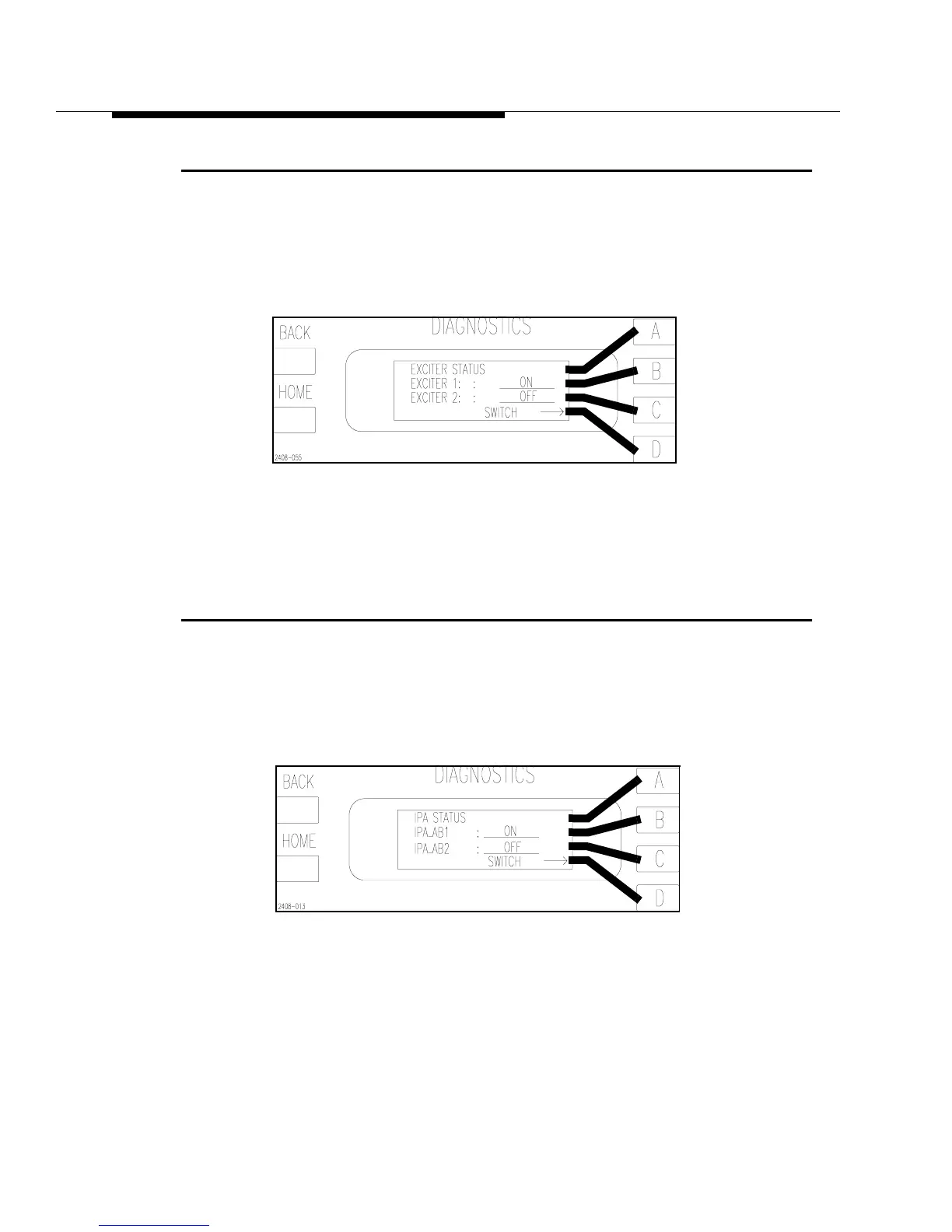
The active exciter (if dual exciters are installed) can be switched manually from the
Status menus in the Diagnostics Display. To manually switch from Exciter 1 to
Exciter 2 press [HOME, STATUS D,C]. This will bring up the screen shown in
Figure 3-10. Pressing [D] will toggle between the two exciters.
Figure 3-10 Exciter Status Screen
[HOME, STATUS D,C]
3.7 Manual IPA Switching
The active IPA can be switched manually from the Status menus in the Diagnostics
Display. To manually switch from IPA_AB1 to IPA_AB2 press [HOME, STATUS,
D,B].This will bring up the screen shown in Figure 3-11. Pressing [D] will toggle
between the two IPAs.
Figure 3-11 IPA Status Screen
[HOME, STATUS, D,B]



 To Next Page