3-12 888-2408-002
WARNING: Disconnect primary power prior to servicing.
Operator Guide
3.9 Fan Speed
The Platinum Z is equipped with a 2 speed blower. This normally runs at the LOW
speed to reduce ambient noise and increase transmitter efficiency. However, if any
fault occurs, the fan will automatically switch to high speed until the fault is no
longer active. The fan can also be forced to HIGH speed using the configuration
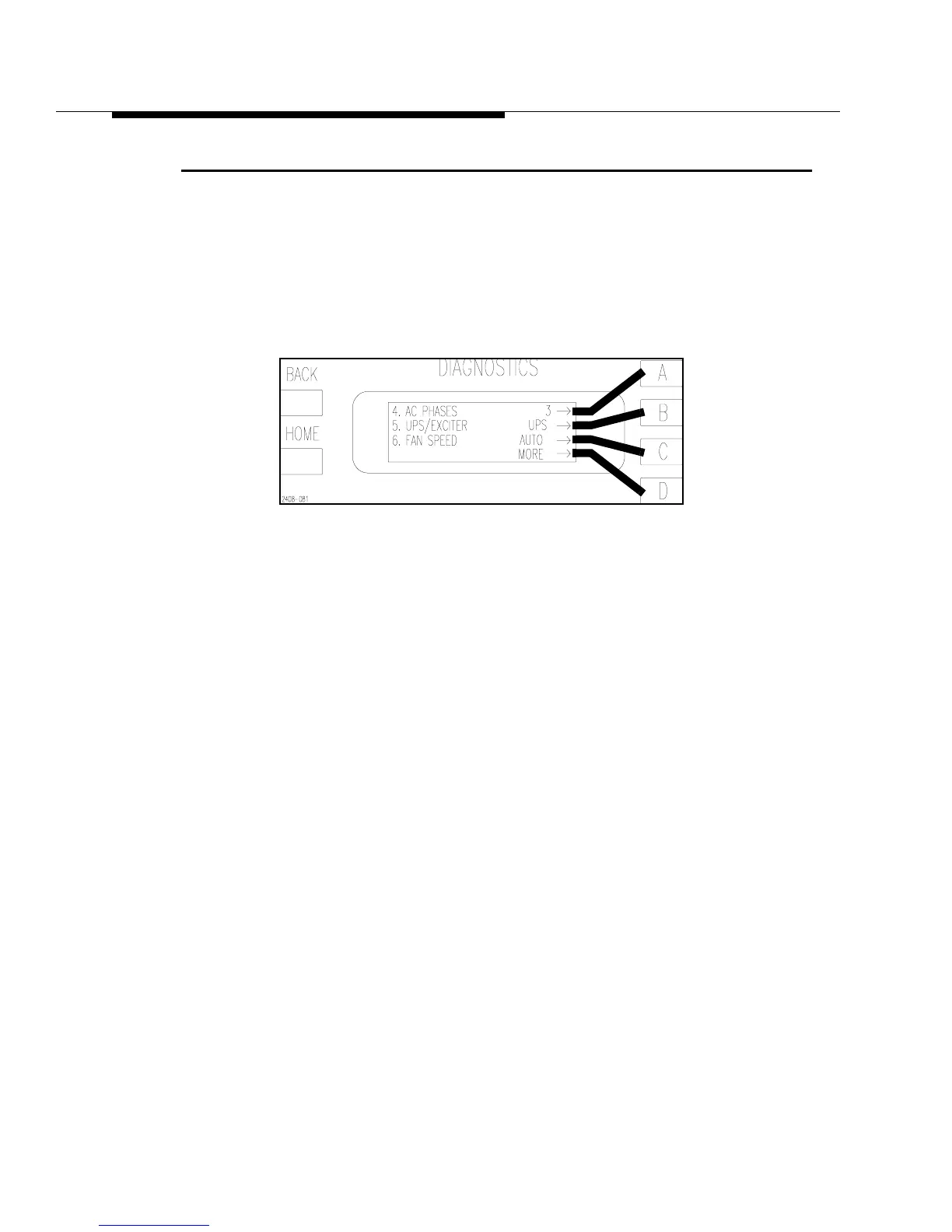
menus in the Diagnostics Display. See Figure 3-14. The normal setting for the fan
speed is AUTO. Pressing the [C] button toggles between AUTO and HIGH.
Figure 3-14 Efficiency Status Screen
[HOME, MORE, CONFIGURATION A,D]



 To Next Page