Page 23 of 43
5.4 Storing a video
Videos are not stored in the plusoptiX A09, but are rather overwritten by the next
measurement. If a measurement indicates particular issues such as media blurring, the
video can be stored directly after the measurement on a USB stick or an external hard
drive with a maximum current consumption of 0.5 A. To do so, insert a USB stick into
one of the free USB ports on the plusoptiX A09 and proceed as follows:
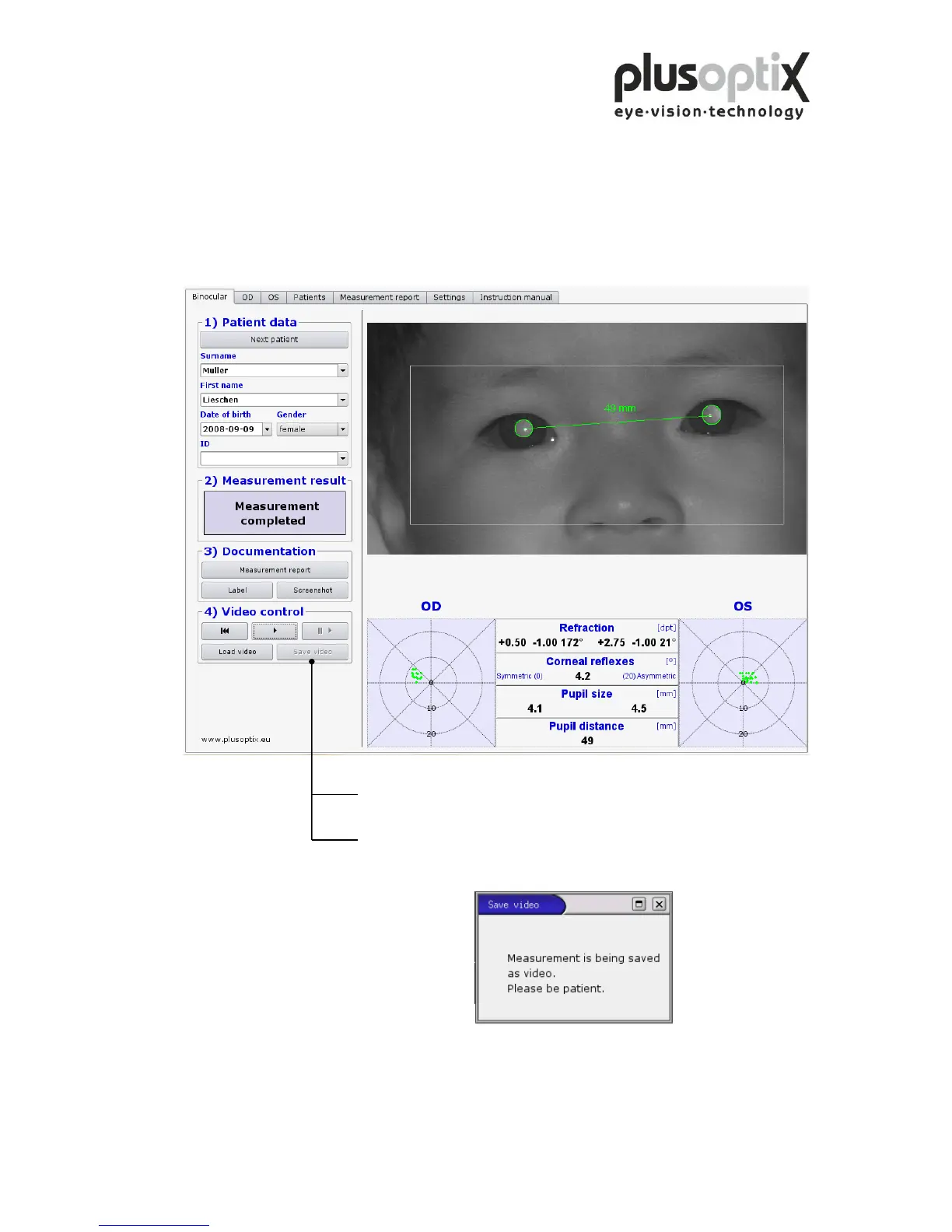
1. Wait after insertion of the USB stick approx. 5 seconds until the
“Save video” button becomes active.
2. Now click on “Save video”. The “Save video” window appears on
the monitor. The video is automatically stored on the USB stick and
afterwards the window disappears again.
3. The “Save video” button will become active again after you perform
the next measurement.



 To Next Page