Page 31 of 43
8.3 Printing the measurement report
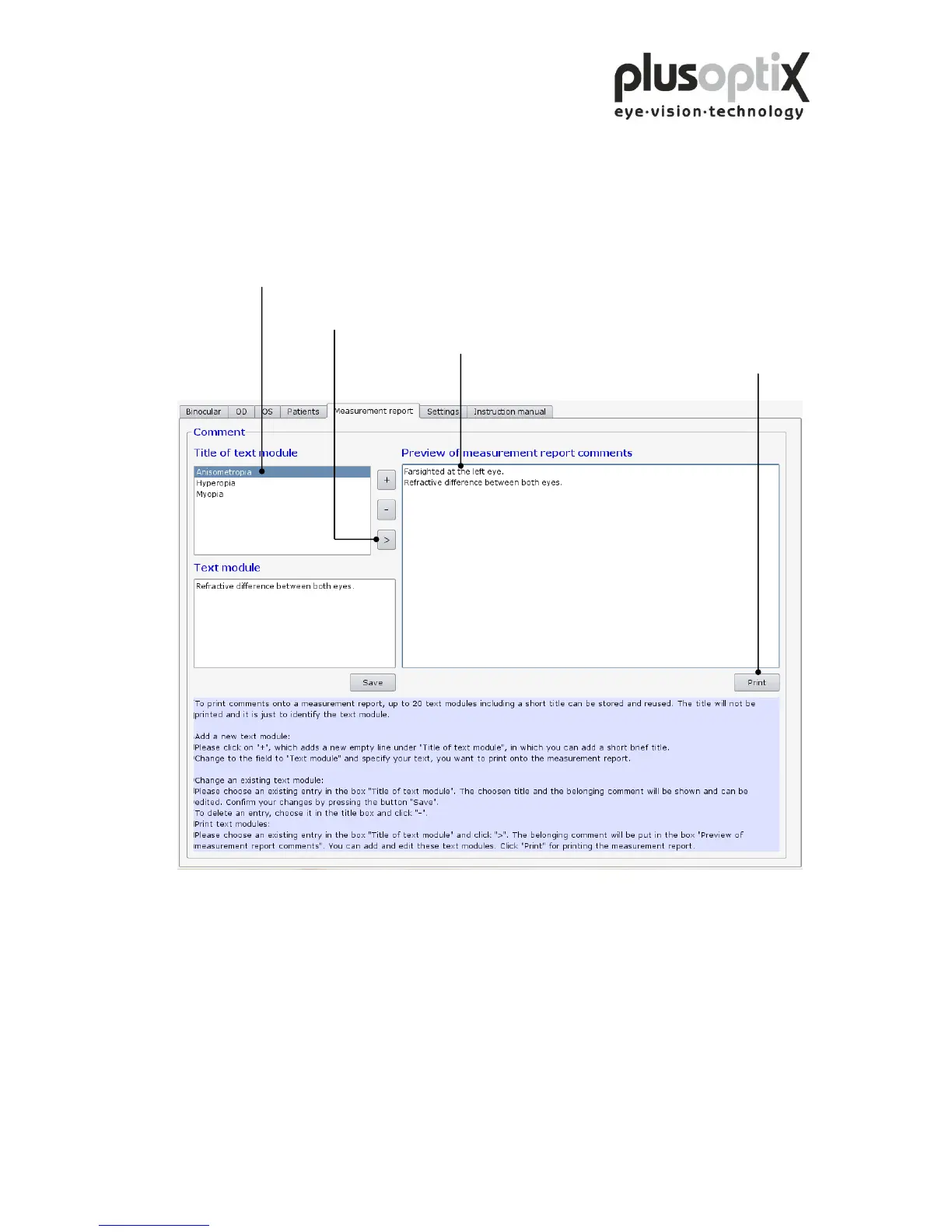
You can add different text modules to the measurement report as comments and edit
these before printing. To do so, proceed as follows:
1. Click here to select a text module to be printed on the
measurement report.
2. Click here to transfer the selected text module to the
field “Preview of measurement report comments”.
3. Click here to change the text.
4. Click here to print the measurement report with
the comments.



 To Next Page