Page 33 of 43
9.2 Measurement data
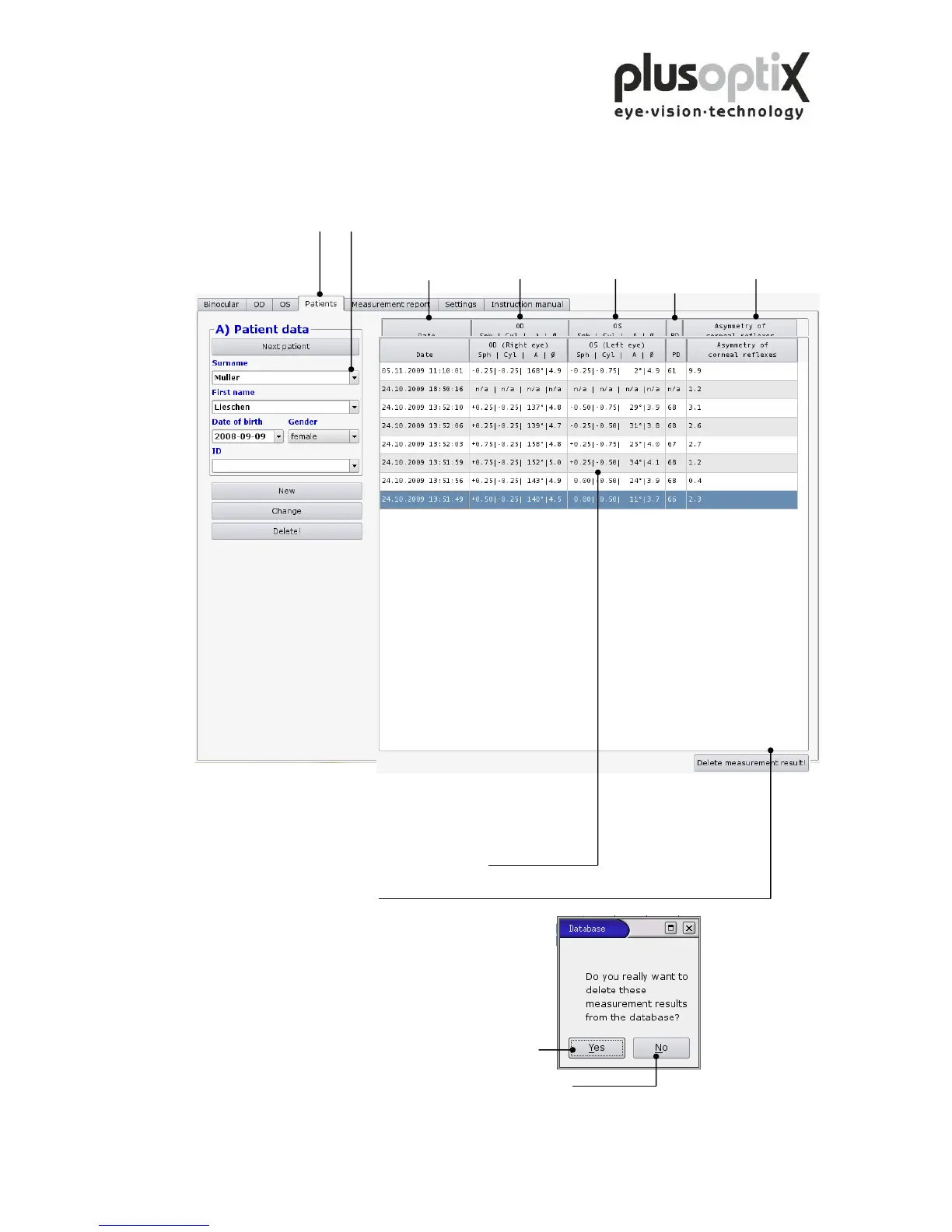
Click on “Patients” and enter the entire patient data or scroll down to the patient to have
a look at these existing measurement data. The data are listed chronologically.
Date of Measurement data Measurement data Asymmetry of
measurement right eye left eye corneal reflexes
If you would like to delete measurement data,
proceed as follows:
1. Click on the line you would like to delete.
The line will be marked blue.
2. Then click on “Delete!”.
Afterwards a window with a
security query will appear.
3. Click on “Yes” and the marked line will be deleted.
If you would like to cancel this procedure, click on “No”.



 To Next Page