Page 27 of 43
7. Switching off the system
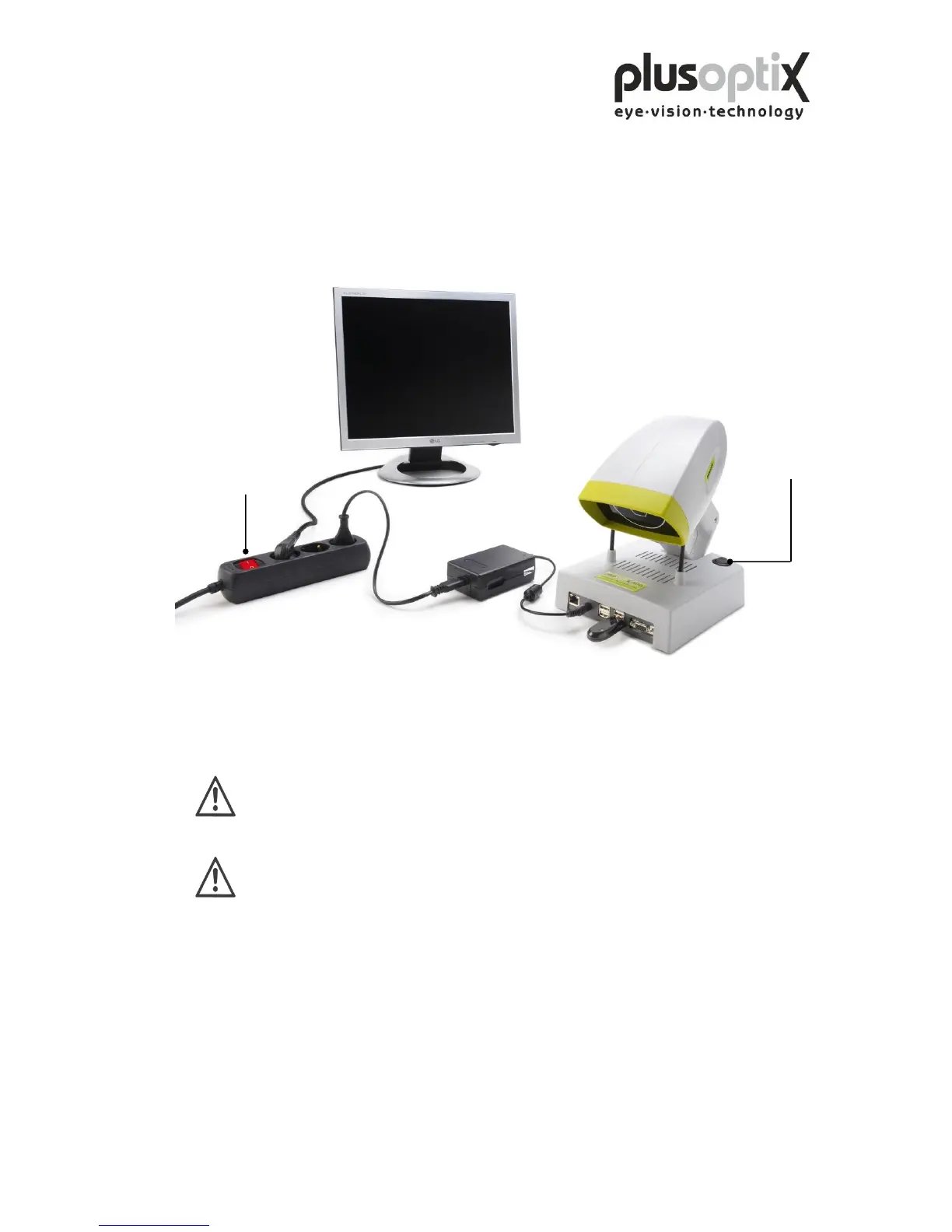
First switch off the plusoptiX A09 using the on/off switch, followed by the monitor.
The on/off switch on the plusoptiX A09 flashes after switch-off until the program has
been shut down completely.
If you are using a multiple socket outlet make sure that it is child-proof.
At the end of business day the monitor and the medical power unit must be
separated from the power supply or you have to switch off the on/off switch
at the multiple socket outlet. This is a precaution in case a short-circuit
occurs during night-time which may cause a fire.



 To Next Page