Page 9 of 43
3.2 Switching on the system
Switch on the monitor before you switch on the plusoptiX A09 (see Fig. 2 on page 8 for
the on/off switch).
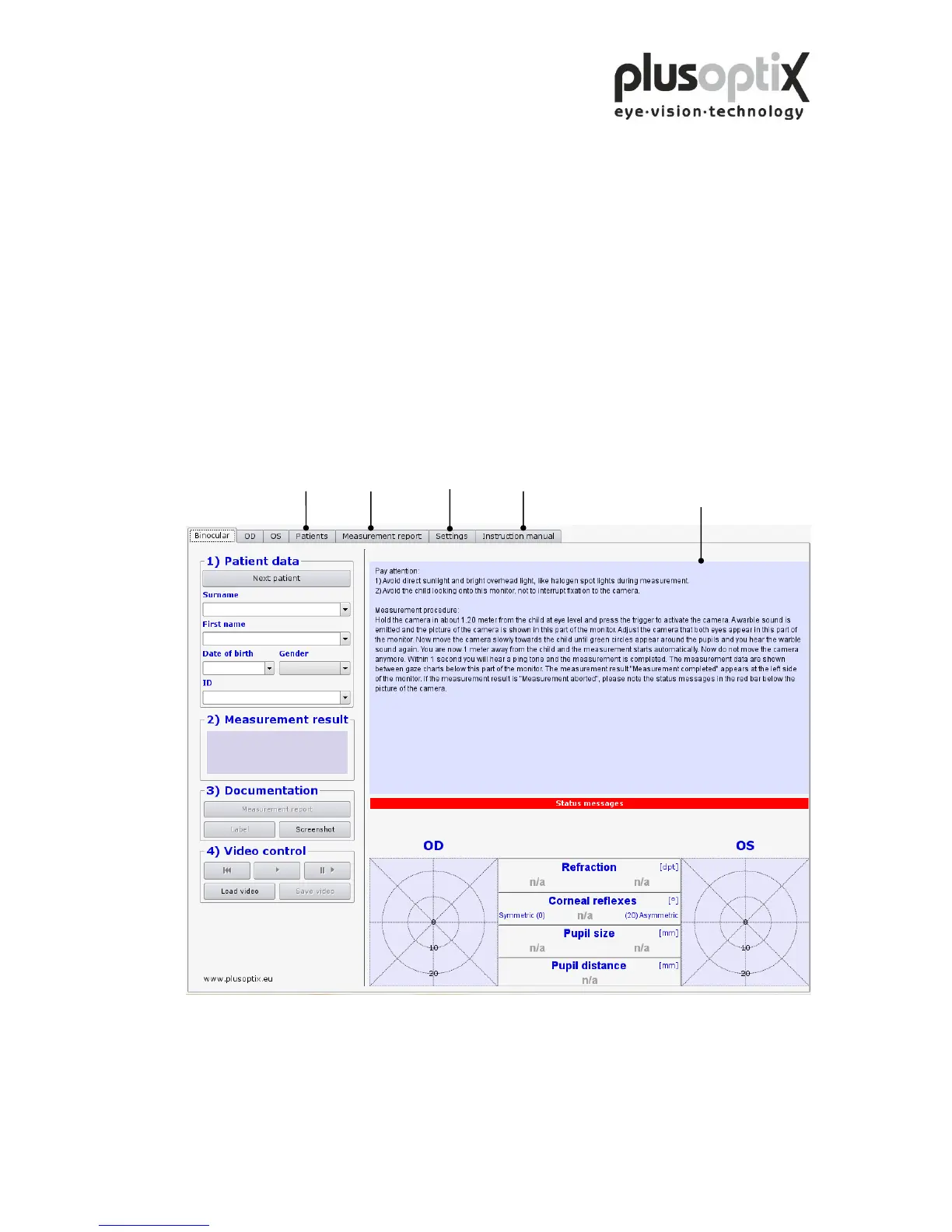
After loading the software (approx. 1.5 minutes) the “Plusoptix Start Page” appears.
You can now start measurements.
Note: When using the system for the first time, first click on “Settings” to adjust the
settings as required for operation.
Plusoptix Start Page
This brief description only
appears after the system has
been switched on.
Please make sure that no USB-stick is inserted in the plusoptiX A09 during switching
on, because it can lead to problems during booting. The USB adapters from keyboard
and mouse as well as probably connected printers are excluded from this.



 To Next Page