Page 32 of 43
9. Patient database (License D, optional)
The patient database is an alternative to a practice network. You can use the database to
store patient data and measurement results, and to compare measurement results with
previous ones.
9.1 Entering patient data
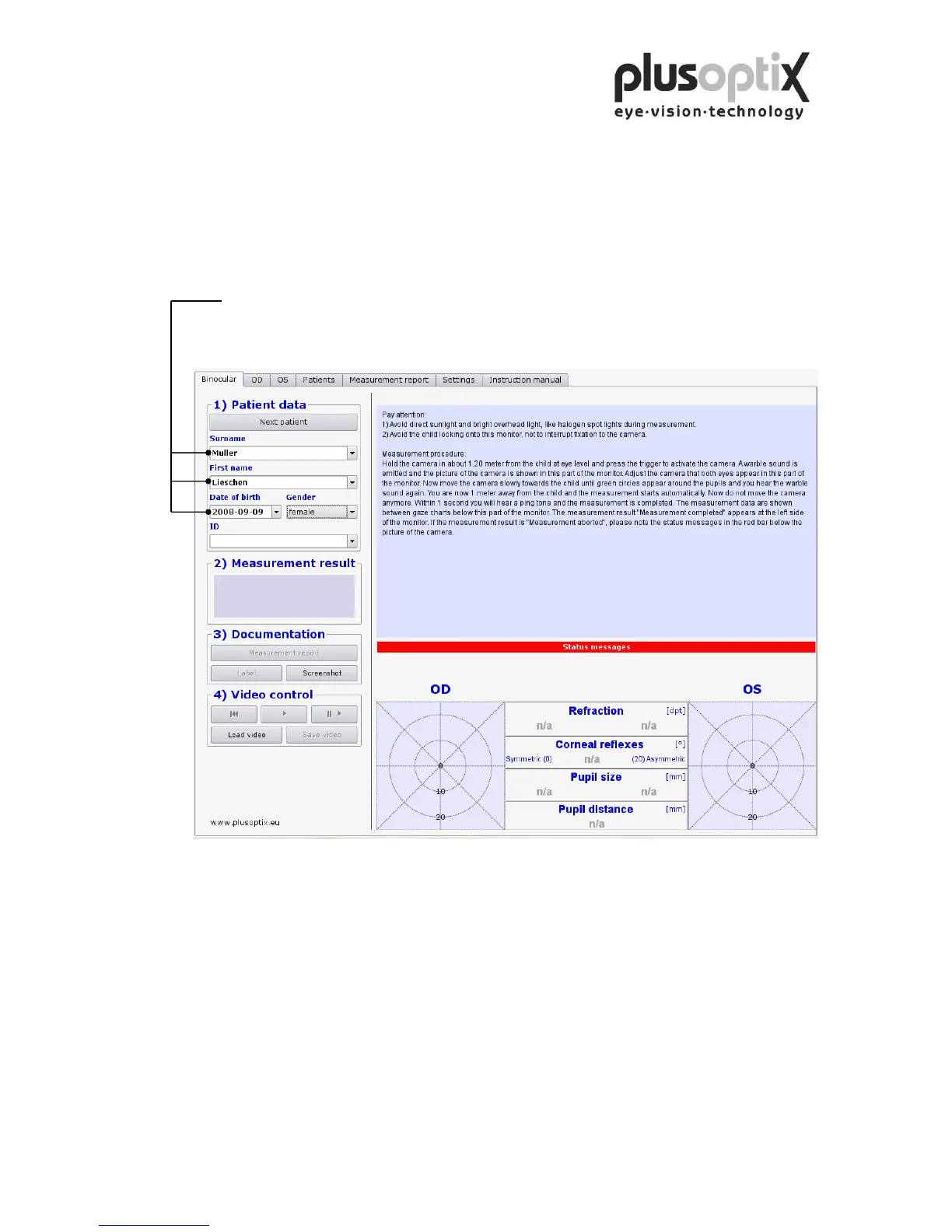
Enter patient data. The following data are valid:
a) Patient data (Surname, first name, date of birth and gender) or
b) Patient data and ID or
c) ID and date of birth
To add a new patient to the database, enter the patient data in its entirety and then
perform the measurement. The measurement values will be automatically stored
together with the patient data.
If you enter two “John Smith” records with the same date of birth, the ID (patient
number or medical insurance number) must also be entered to allow for differentiation.
Note:
- Before measuring a new patient, please do not omit to delete the patient data entered
using the key “Next patient” and to enter the data for the new patient or to search the
date with the scroll key.
- To select an existing patient, enter the first letter of the patients’ name in the surname
box (e.g. “S” for Smith). All patients’ names beginning with this letter will appear
and you can scroll for your patient. The more letters you enter, the faster your
search will be (e.g. “Smi”).



 To Next Page