PM75 Android 11 User Manual
Getting Started
16
© 2021 Point Mobile Co., Ltd. All rights reserved
Charge with power adapter
Caution:
Always use an original charger and cable from Point Mobile. Other chargers
and cables may damage the device. Also, make sure the charger and cables are not wet.
Follow the battery safety information for safety of using the battery.
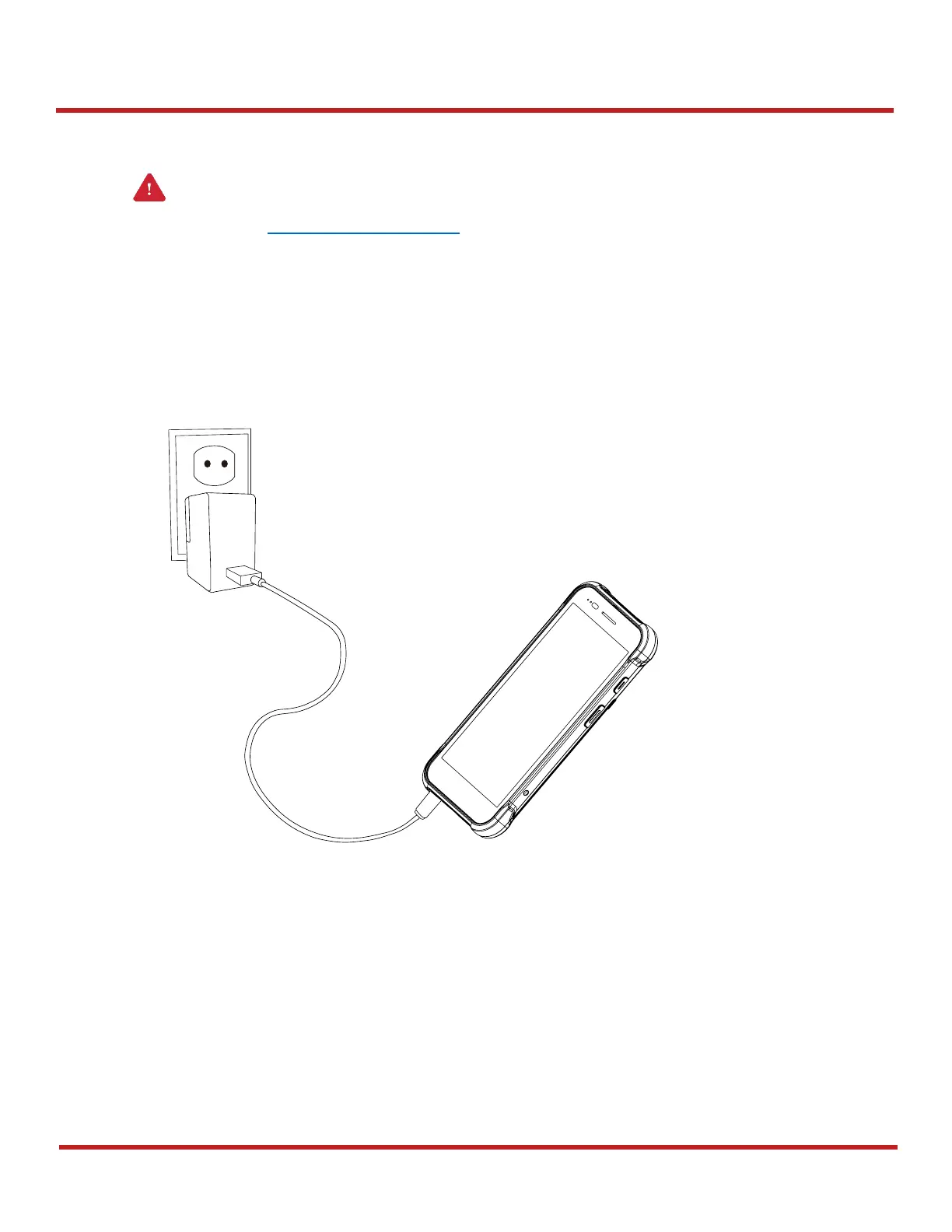
1. Assemble the country plug, AC/DC power supply and USB type C cable.
2. Connect the cable to the USB connector of PM75.
3. Provide power by plugging the power supply to the wall socket.
When charging starts properly, a battery charging icon is displayed on the status bar, and power
LED lights up. (Red charging / Green fully charged)
Figure 12 Charging PM75 with power adapter



 To Next Page