PM75 Android 11 User Manual
System Maintenance
75
© 2021 Point Mobile Co., Ltd. All rights reserved
Factory data reset via recovery mode
If device works abnormal so does not turn on, try to perform factory data reset through Android
recovery mode.
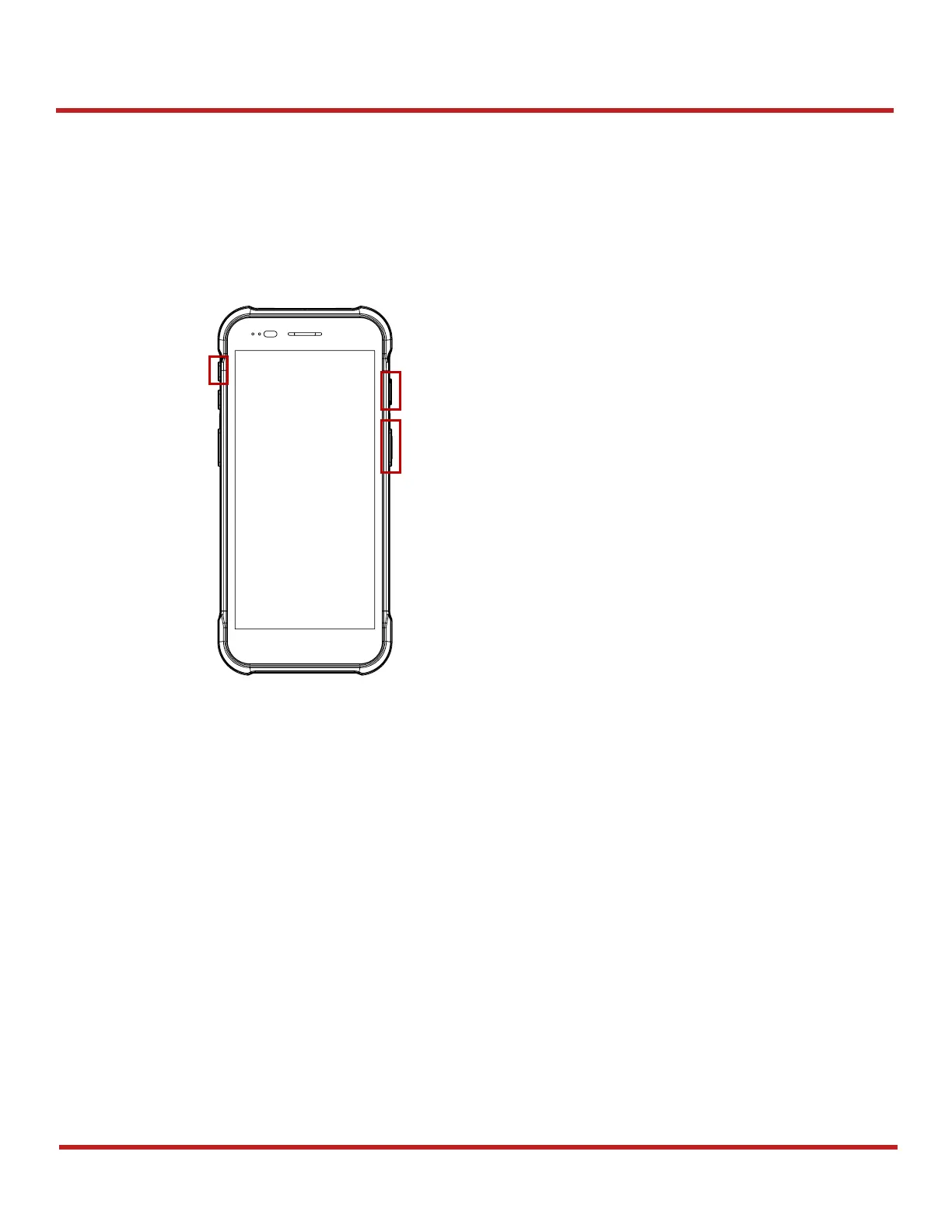
1. Press and hold
power button
+
volume up
+
scan (Right)
buttons simultaneously when PM75
turned off.
2. After short vibration, release the power button
3. Using the keys below, select Wipe data/factory reset
Move down / up Press volume down / up button
Select the menu Press power button
4. After wiping the data, select Reboot system now



 To Next Page