PM75 Android 11 User Manual
Wireless
68
© 2021 Point Mobile Co., Ltd. All rights reserved
RFID
Connect PM75 to the compatible RFID reader, RF750 (sold separately). In order to connect the
devices, RFID Control application is required. Download RFID Control from Service Portal and install
the app on the PM75.
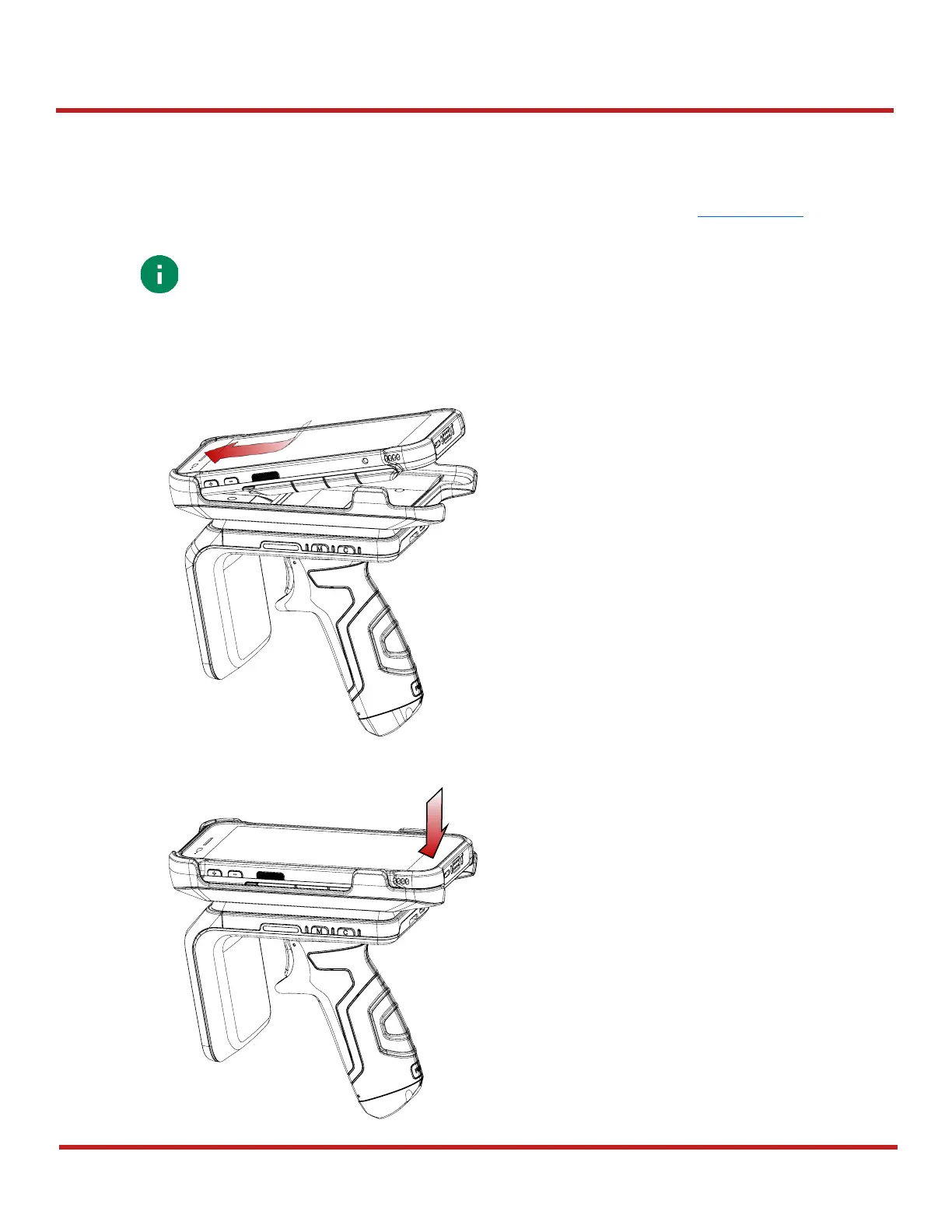
To attach the PM75 onto the RF750,
1. Insert the PM75 into the retention fixture of the RF750 from top.
2. Push the bottom of the PM75 down.



 To Next Page