PM75 Android 11 User Manual
Scanner
52
© 2021 Point Mobile Co., Ltd. All rights reserved
2. Wedge mode
Change the result type of decoded data among the below list.
- User Message
- Keyboard Event
- Clipboard (KEYCODE_PASTE)
- Clipboard (Ctrl + V)
- Intent Broadcast
- Custom Intent
Set Terminator as,
- None
- Space
- Tab
- LF
- Tap & LF
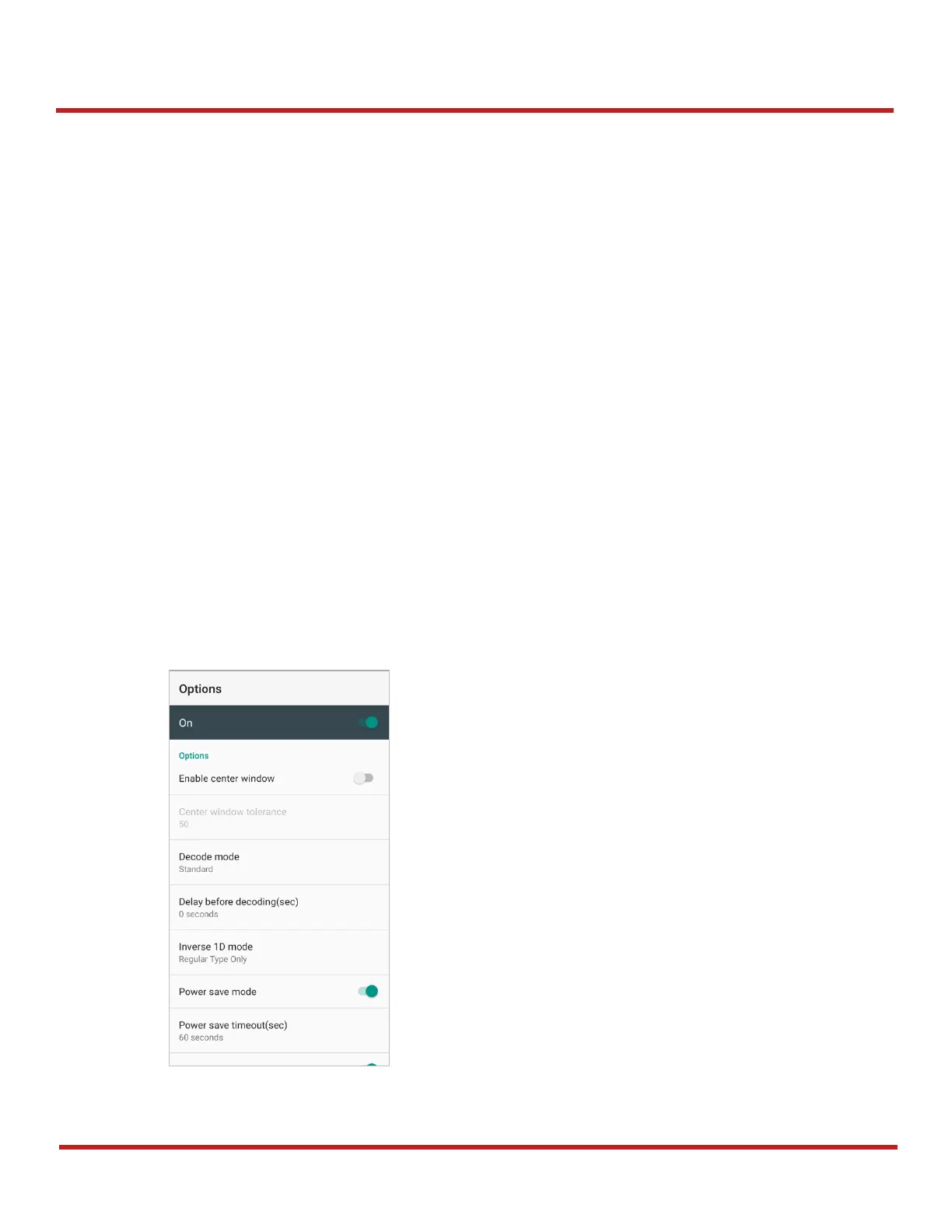
Options
Enable / Disable the center window, Aimer, Illumination.
Set Decode mode & Power save mode.



 To Next Page