PM75 Android 11 User Manual
Accessories
79
© 2021 Point Mobile Co., Ltd. All rights reserved
Gun Handle
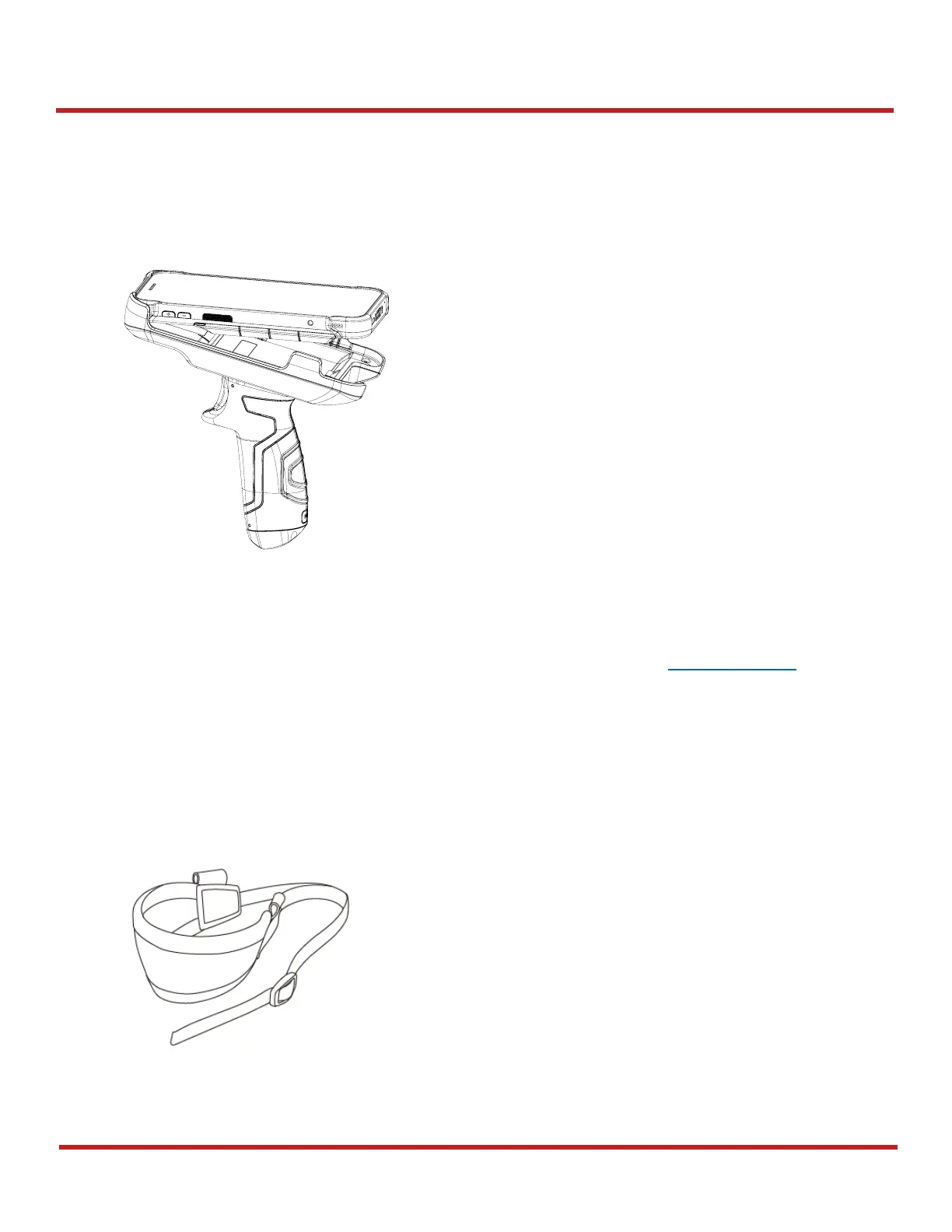
Attach & Use gun handle
Attach PM75 to the gun handle from top side, and push the bottom firmly.
With gun handle, you can use additional programmable button. The button is used for triggering
scanner usually.
If you want to change the function mapped to the trigger button, access Program Buttons and set
SCANNER_B
to the desired function.
Attach hand strap
A hand strap is enclosed in the gun handle package. Attach the strap and carry the device more
comfortably.



 To Next Page