PM75 Android 11 User Manual
Scanner
60
© 2021 Point Mobile Co., Ltd. All rights reserved
Scan a Barcode
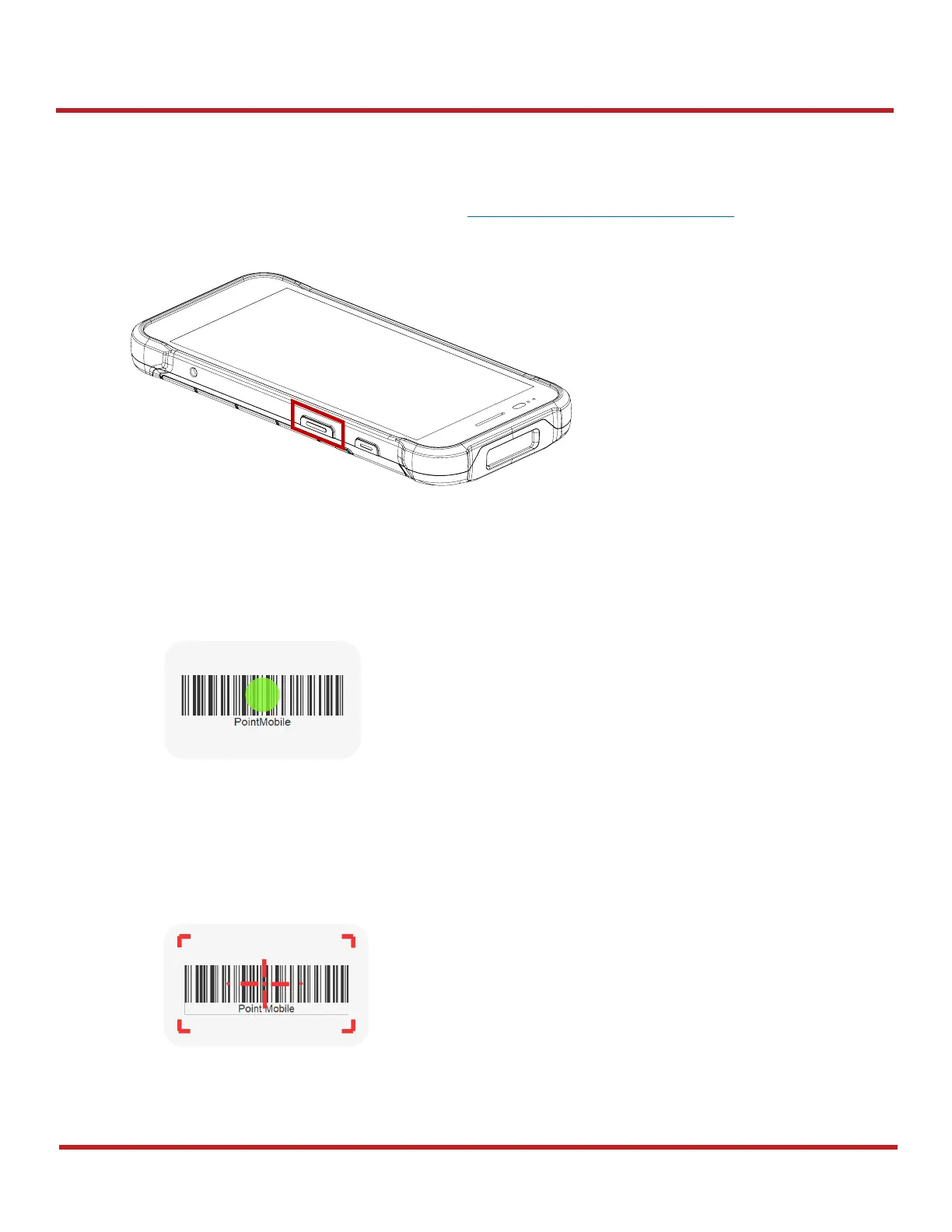
Point the scanner at the barcode and press a scan button on the PM75. If another button is set as
scan trigger using Program buttons (Refer to Use the Buttons Program buttons), it can trigger the
scan action, too.
N3601 Scanner SKU
Center the green dot aimer over the barcode. The entire barcode must be inside the illumination
square.
N6603 Scanner SKU
Center the cross-hair laser aimer over the barcode. The entire barcode must be inside the illumination
square.



 To Next Page