PM75 Android 11 User Manual
Learning the Basics
35
© 2021 Point Mobile Co., Ltd. All rights reserved
Call
To make or receive a phone call, SIM card is required. Insert SIM card to PM75 first regarding Install
SIM & SD card.
Making a call
1. Tap
Phone
from Home screen or App drawer.
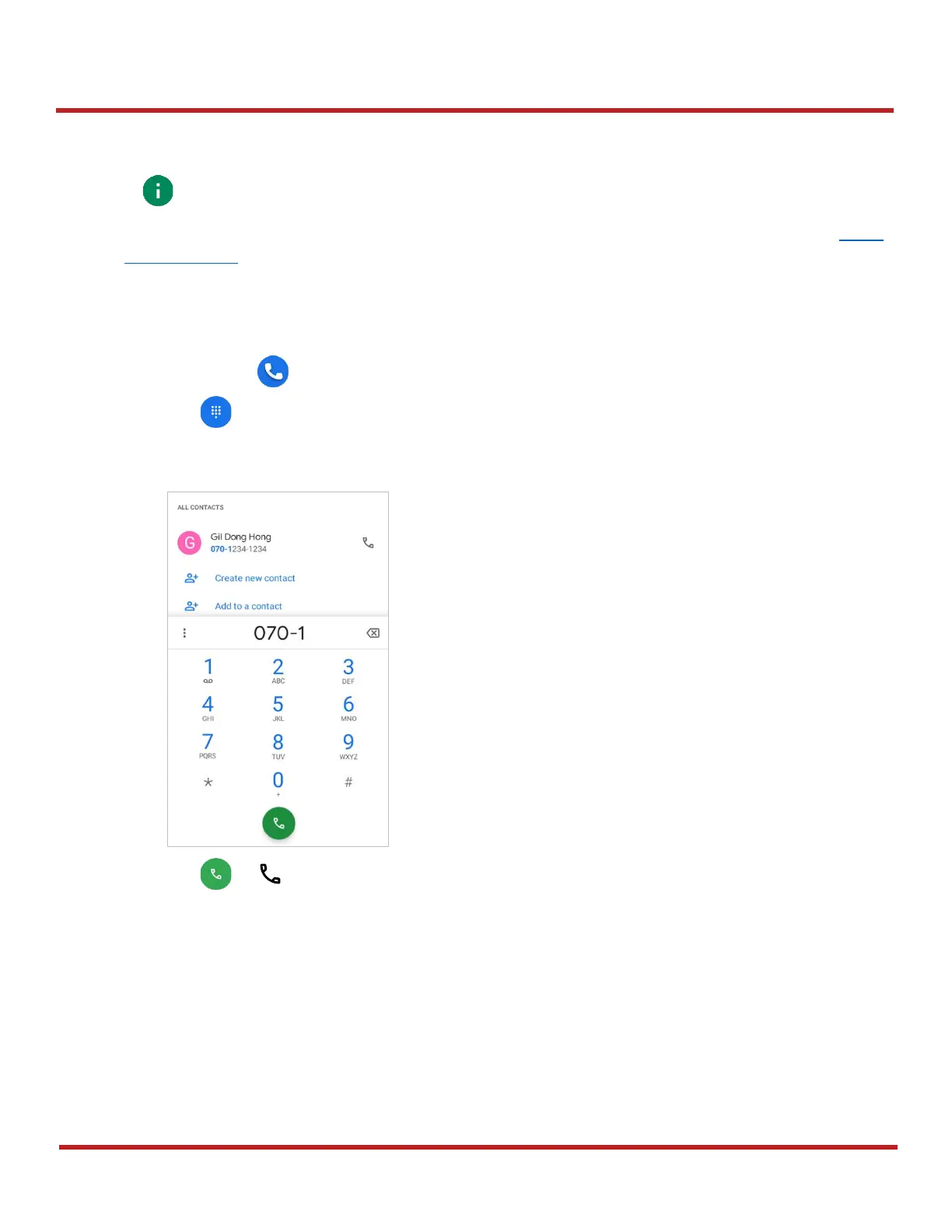
2. Tap to open a dialer.
3. Input a phone number.
4. Tap or next to a searched number to make a call.



 To Next Page