EasyManua.ls Logo

Point Mobile PM75 - PM75 Call Operations

Point Mobile PM75
85 pages
Print Icon
To Next Page IconTo Next Page
To Previous Page IconTo Previous Page
Loading...
PM75 Android 11 User Manual
Learning the Basics
34
© 2021 Point Mobile Co., Ltd. All rights reserved
Widget
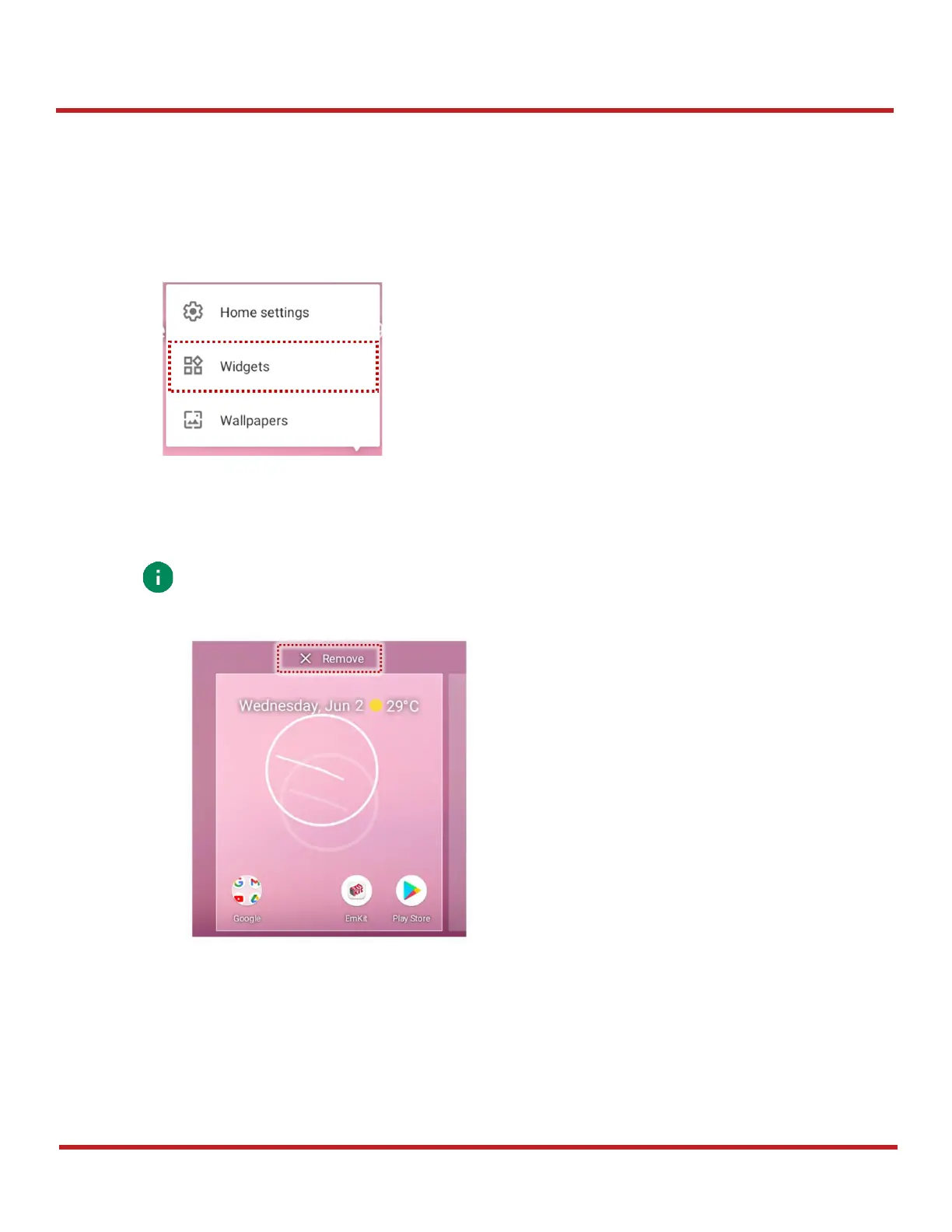
To add a widget in the Home screen,
1. Long-press the empty space of the Home screen.
2. In three menus, select
Widgets
.
3. Among the list, tap and hold a widget you want to add.
4. Place the widget to the Home screen by dragging.

Note:
To remove an app or a widget from the Home screen, long-press and drag it to
Remove
area.
Figure 31 Widget menus
Figure 32 Remove from Home screen

Table of Contents

Other manuals for Point Mobile PM75

Related product manuals