PM75 Android 11 User Manual
Learning the Basics
38
© 2021 Point Mobile Co., Ltd. All rights reserved
Contacts
Add a contact
Add a contact via dialer
1. Navigate to dialer through Phone, and enter the number.
2. Tap
Create new contact
or
Add to a contact
to save the number.
3. Input additional information.
4. Tap
Save
.
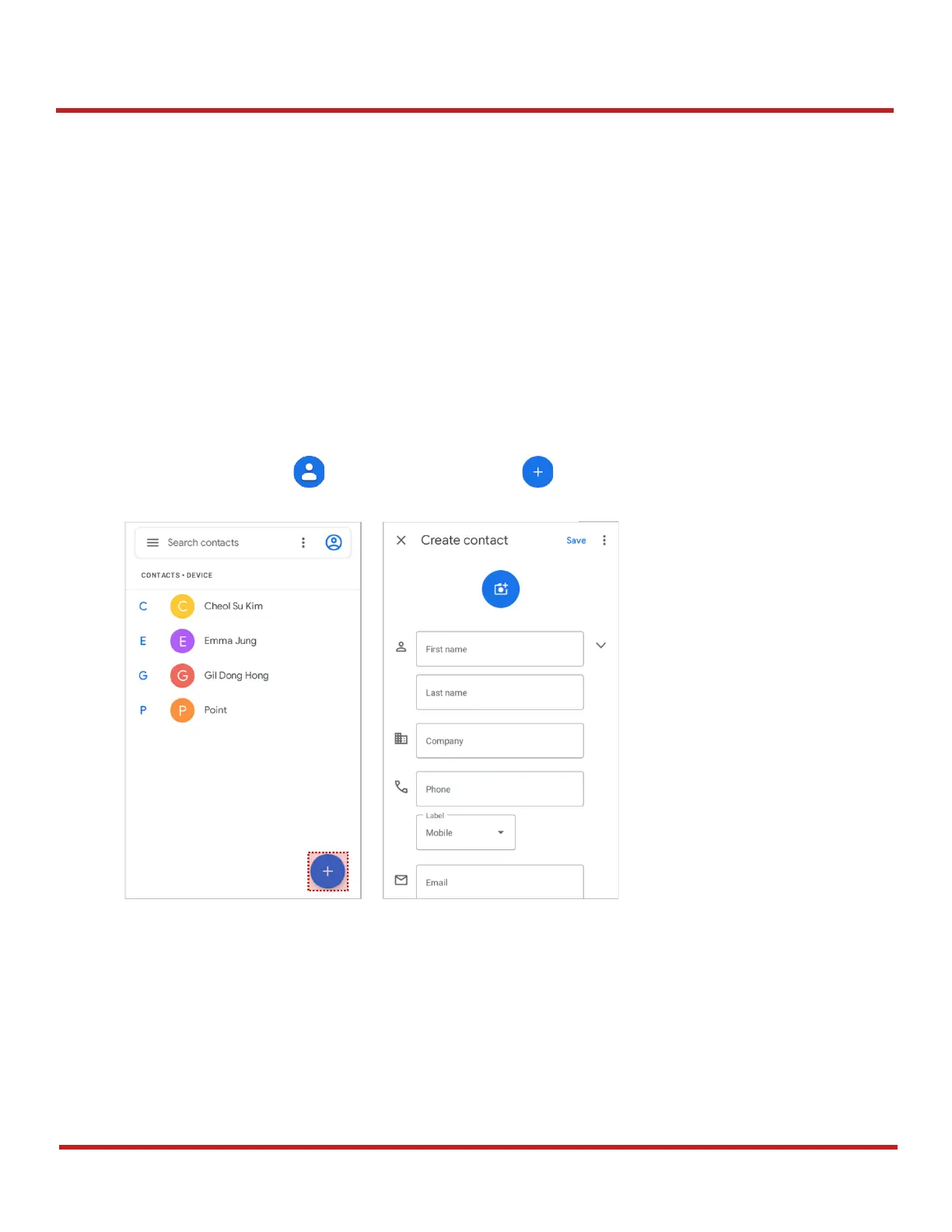
Add a contact via contacts app
Navigate to
Contacts
from App drawer and tap to add a new contact.
Enter the contact details and tap
Save
.



 To Next Page