PM75 Android 11 User Manual
Wireless
66
© 2021 Point Mobile Co., Ltd. All rights reserved
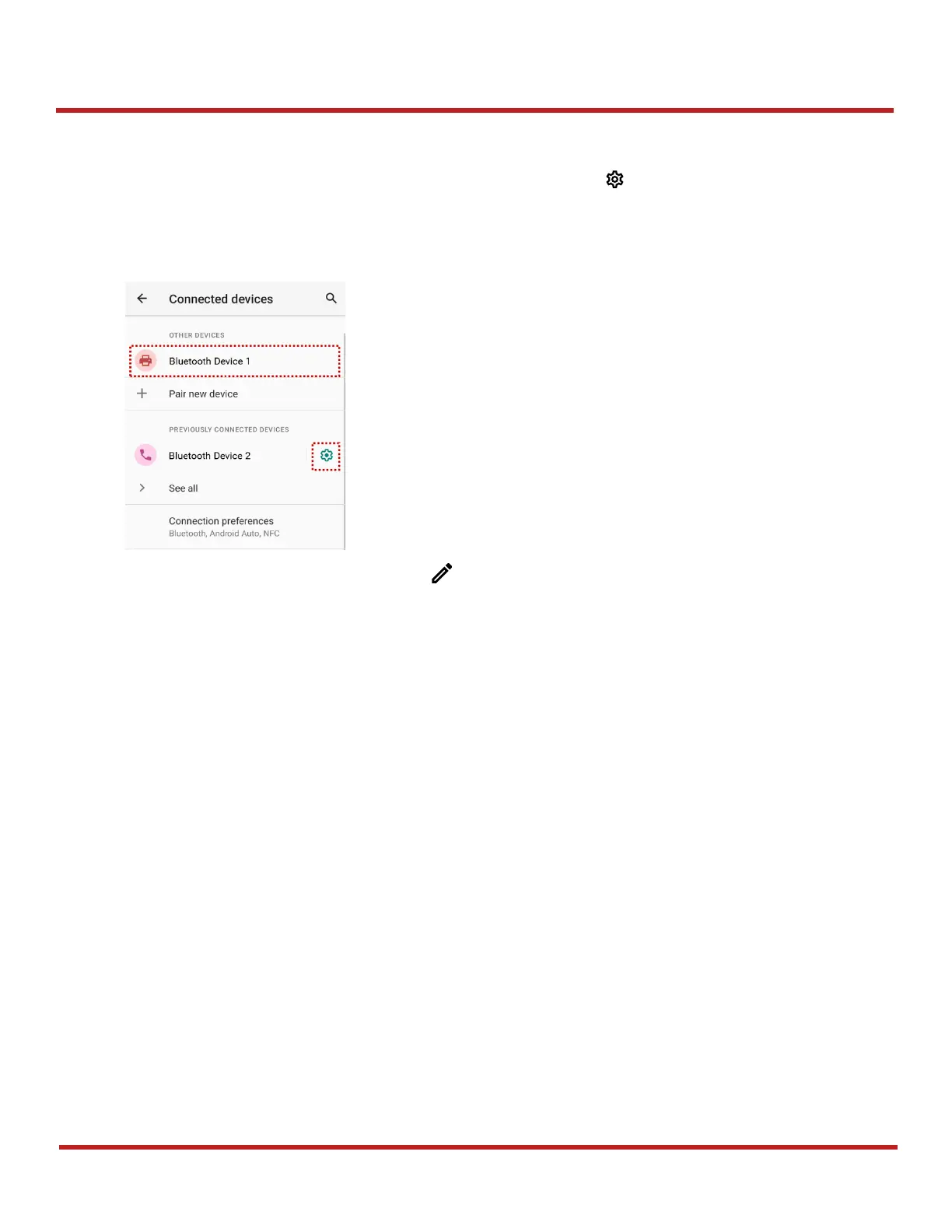
Change the Bluetooth device details
Select a device name from
CURRENTLY CONNECTED
or tap icon next to the device name from
PREVIOUSLY CONNECTED DEVICES
list.
If no devices are listed under the
PREVIOUSLY CONNECTED DEVICES
, tap
See all
.
- on the top of the screen
- Turn other settings on or off (Available on some devices)



 To Next Page