PM75 Android 11 User Manual
62
© 2021 Point Mobile Co., Ltd. All rights reserved
Wireless
Mobile Network
To connect mobile network, SIM card is required. Insert SIM card into PM75 first referring Install SIM
& SD card.
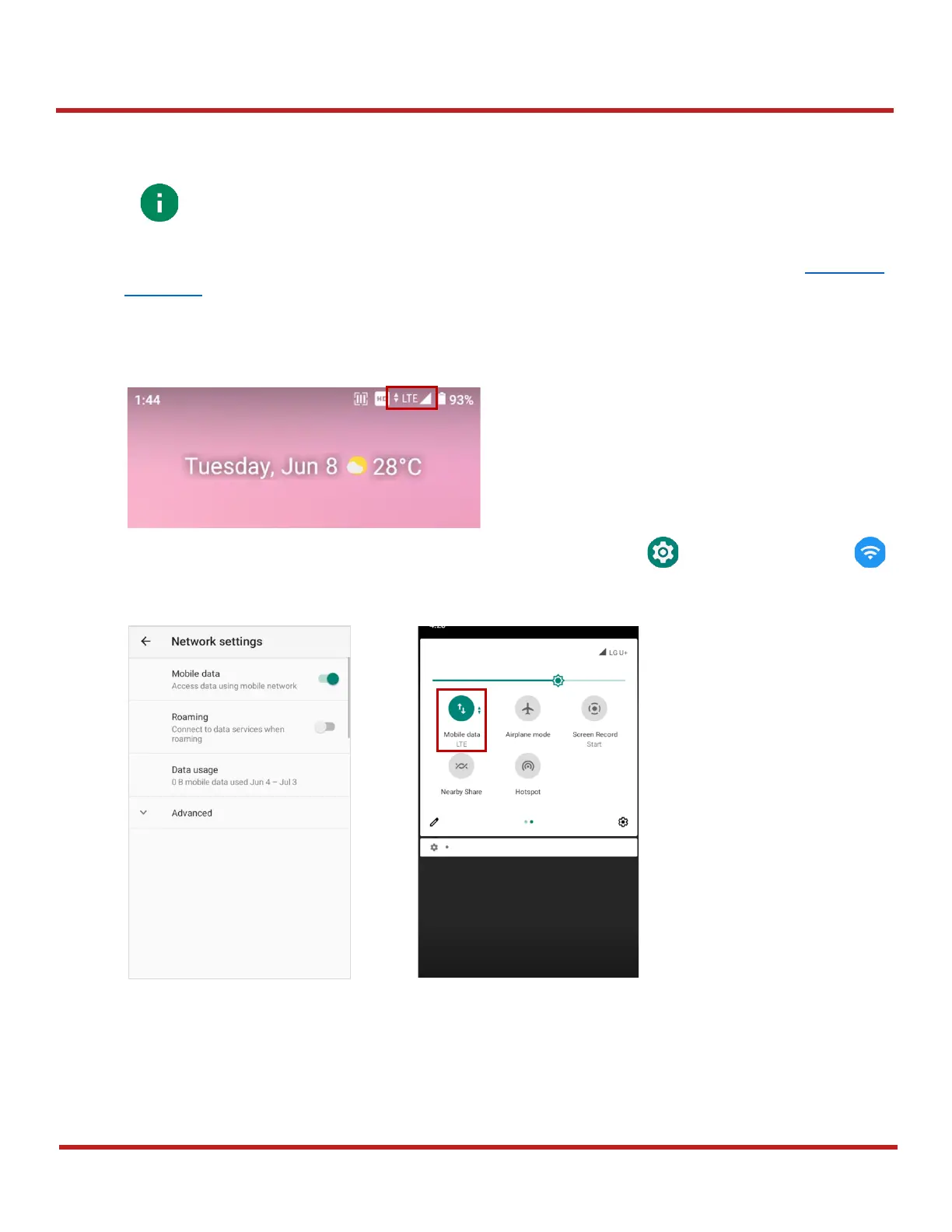
After inserting the SIM card, reboot the device. When network is connected, a network icon will be
appeared on the status bar.
Find network information and adjust the network settings in
Settings
>
Network & internet
.
This setting menu can also be accessed by long-press the Mobile data icon in Quick setting panel.



 To Next Page