PM75 Android 11 User Manual
Getting Started
25
© 2021 Point Mobile Co., Ltd. All rights reserved
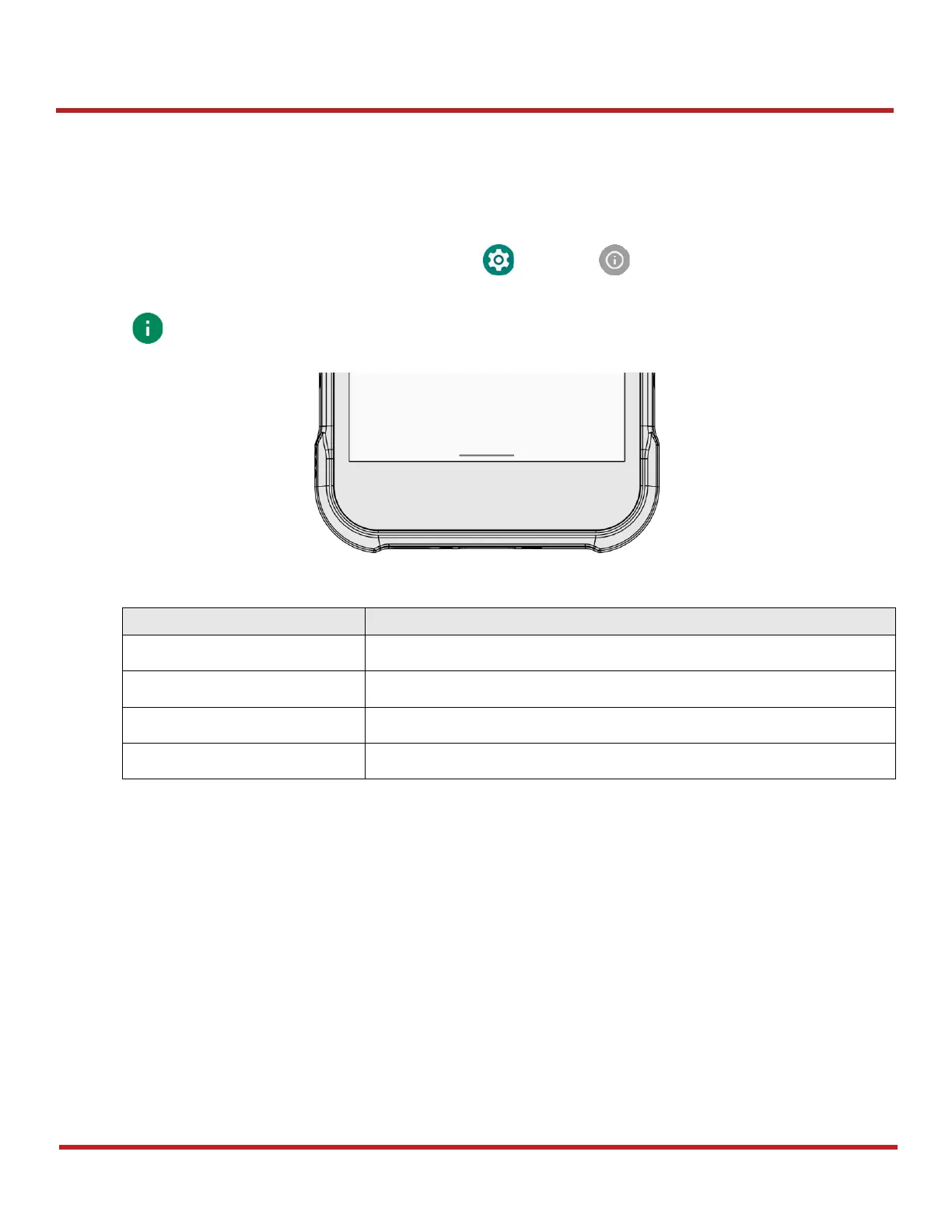
Gesture Navigation
If you are unfamiliar with the navigation bar or you want to see the screen with a wider screen, hide
the navigation bar. The functions provided by the software buttons on the navigation bar can be used
by using specific gestures.
To hide the navigation bar, navigate to
Setting > System > Gesture > System navigation
and change the setting to
Gesture navigation
. Then, the navigation bar will be hidden.



 To Next Page