PM75 Android 11 User Manual
Learning the Basics
32
© 2021 Point Mobile Co., Ltd. All rights reserved
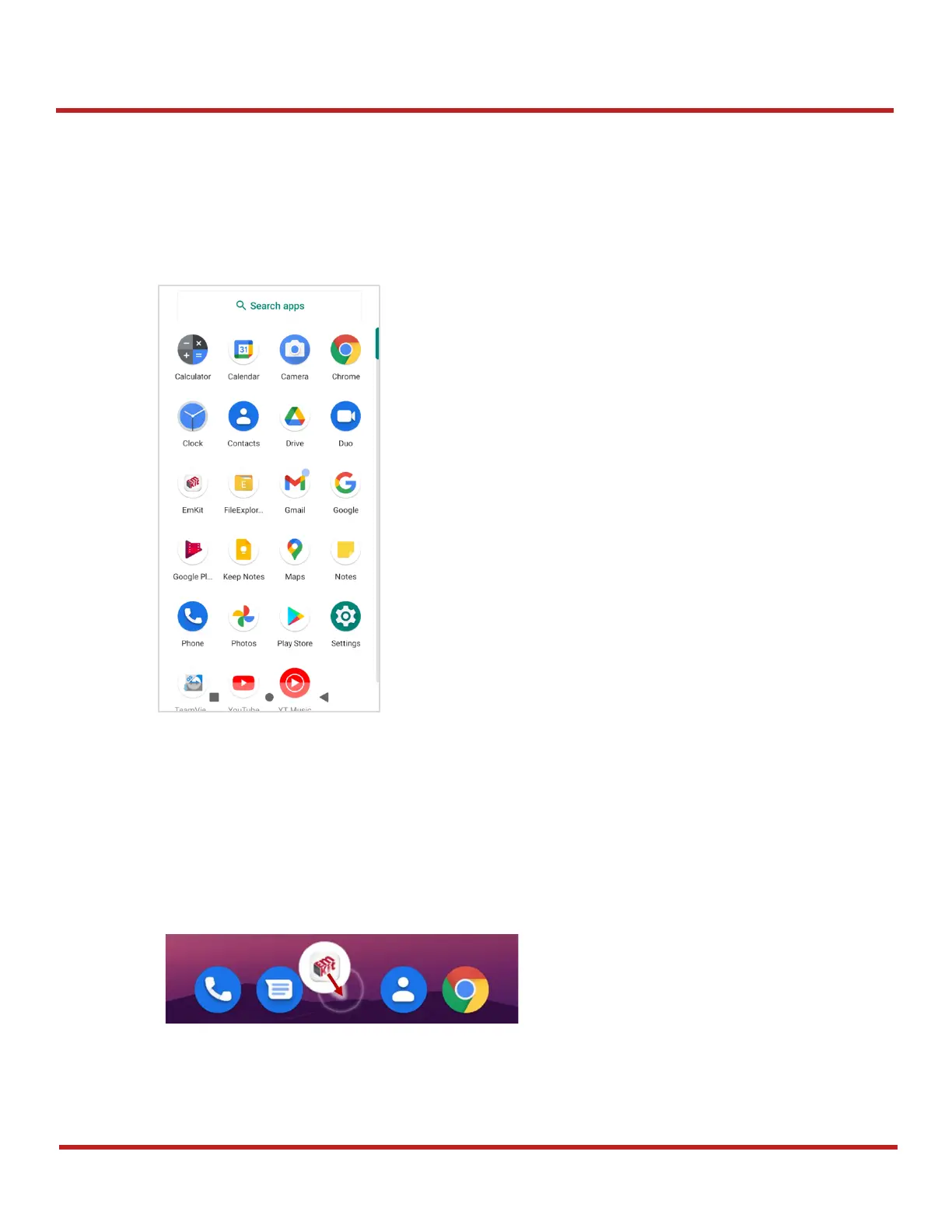
App drawer
All installed apps are listed alphabetically in App drawer.
To open the App drawer, swipe up the Home screen.
To close the App drawer, swipe down the Home screen.
Favorites tray
To organize an app in the Favorites tray,
1. Long-press an app icon from the App drawer. Then, drag it slightly until the Home screen is
shown.
2. Place the app icon in the Favorites tray.



 To Next Page