31
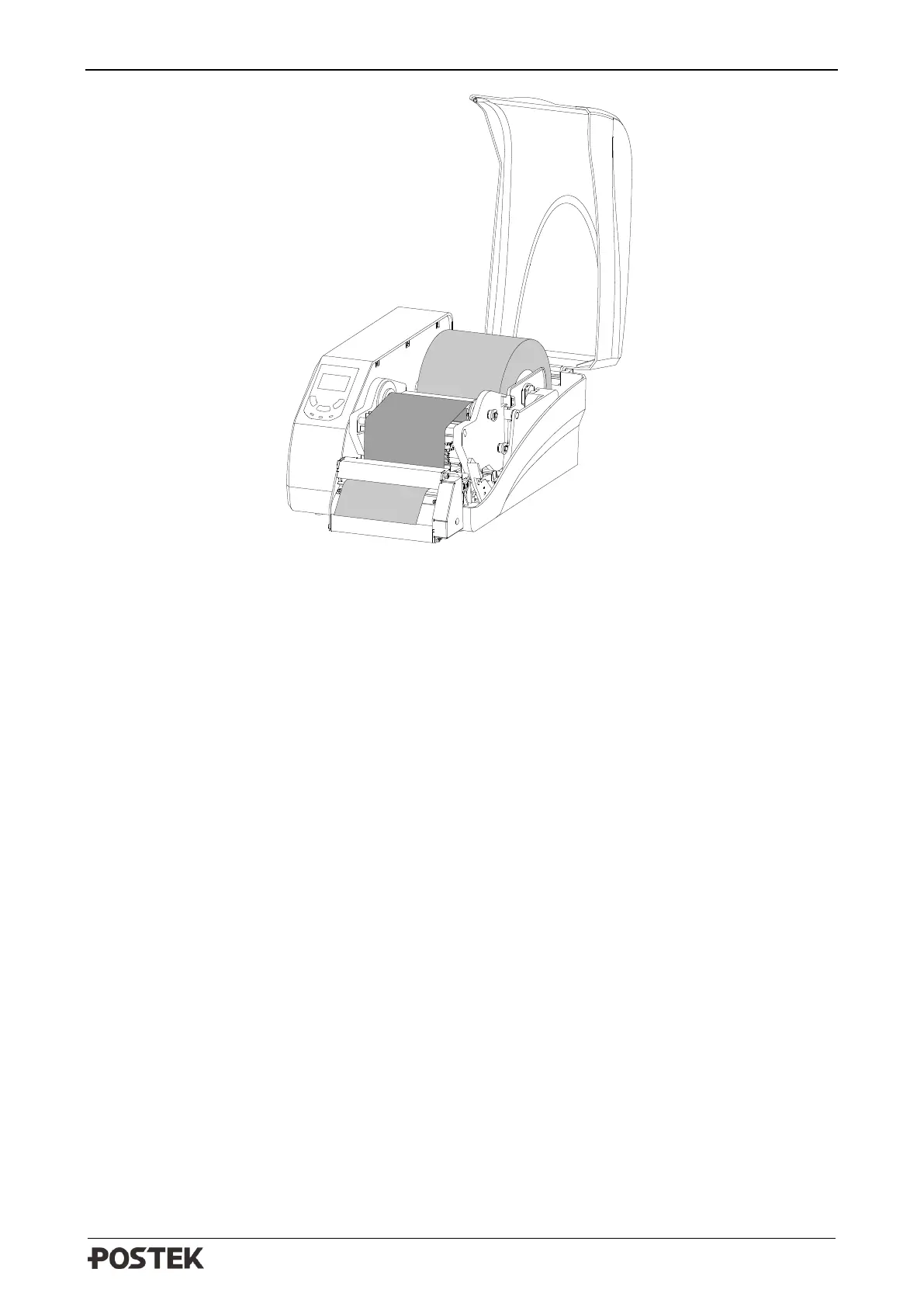
Figure 3-2 Cutter Mode
7. Turn on the printer, press and hold the [FEED/Calibration] button (hold for around 4 seconds),
the printer will automatically feed labels and the media calibration is done.
8. Create the label template desired on PC using the Bartender label software. Click at “print” to
initiate the print job. After each finished printing, the printer will automatically cut off the
printed label(s).
9. If the cutting position of the label needs to be adjusted, press the [PAUSE/Self Test] button, and
then press and hold [FEED/Calibration] button to enter the setting menu. Select “CUT
OFFSET” and adjust the value accordingly.



 To Next Page