ION 8000 Series User Guide Configuring Data Logging
Chapter 12 - Logging Page 141
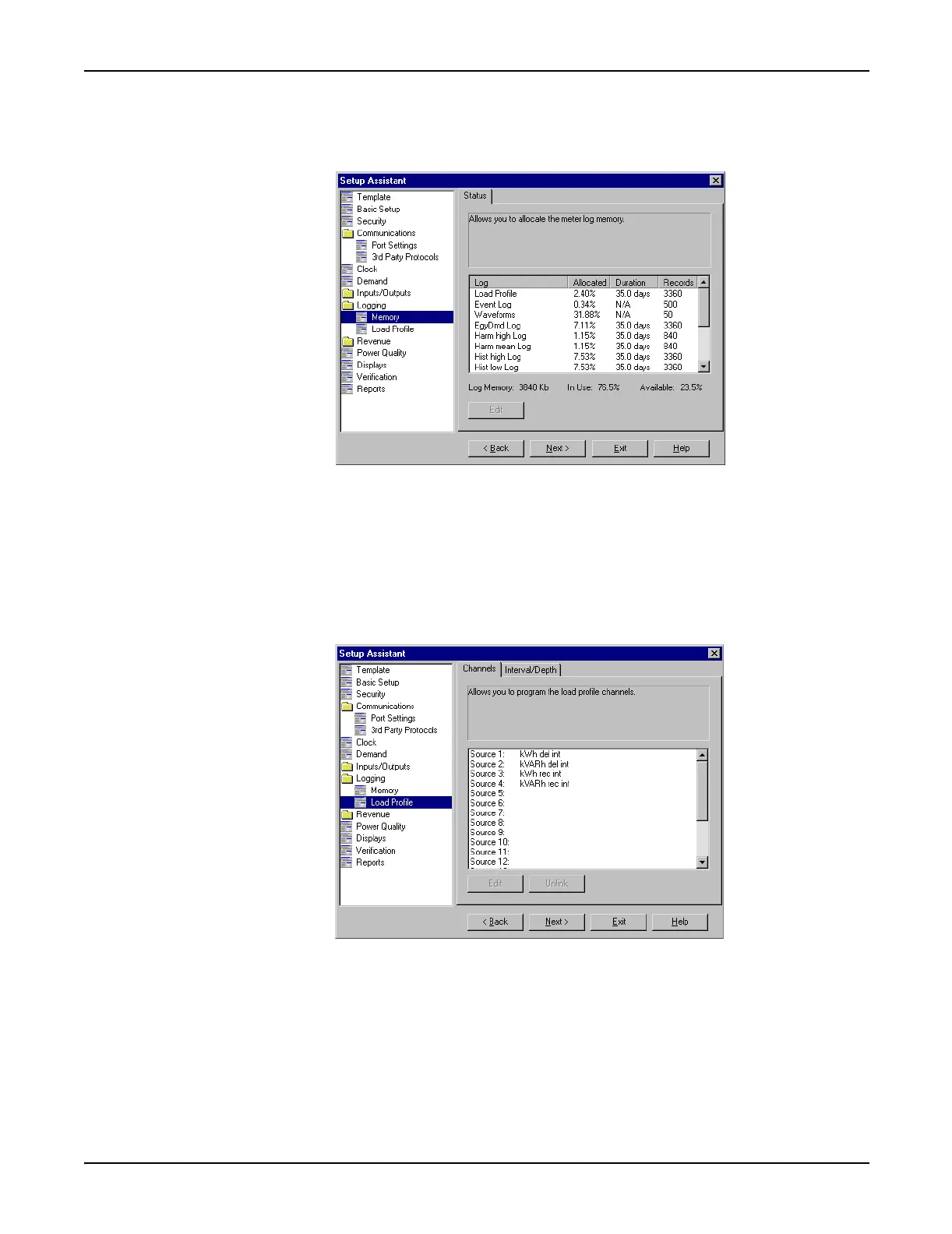
Memory Screen
3. Select the Memory screen to re-allocate meter memory.
4. Select the Log you wish to configure and click Edit. You can change both the Log
Duration (days) and the Log Size (records). Notice how changing these
parameters affects the meter memory allocated to that log.
Load Profile Log Screen
5. Select the Load Profile Log screen to configure Data Recorder #1 (the Revenue
Log).
6. Click the Channels tab to edit, link and unlink parameters.
7. Click the Interval/Depth tab to edit the interval and duration of the Load Profile
log.



 To Next Page
 Loading...




