User interfaces
15
Armonía Pro Audio Suite™ is the default conguring
interface that allows system setting and customization of
the X Series amplier platforms.
Thanks to the built-in WiFi connectivity you can also
connect any mobile device to the amplier platform and,
by means of the X Series Control Panel application, monitor
and control system settings.
15 : 1.Armonía Pro Audio Suite™
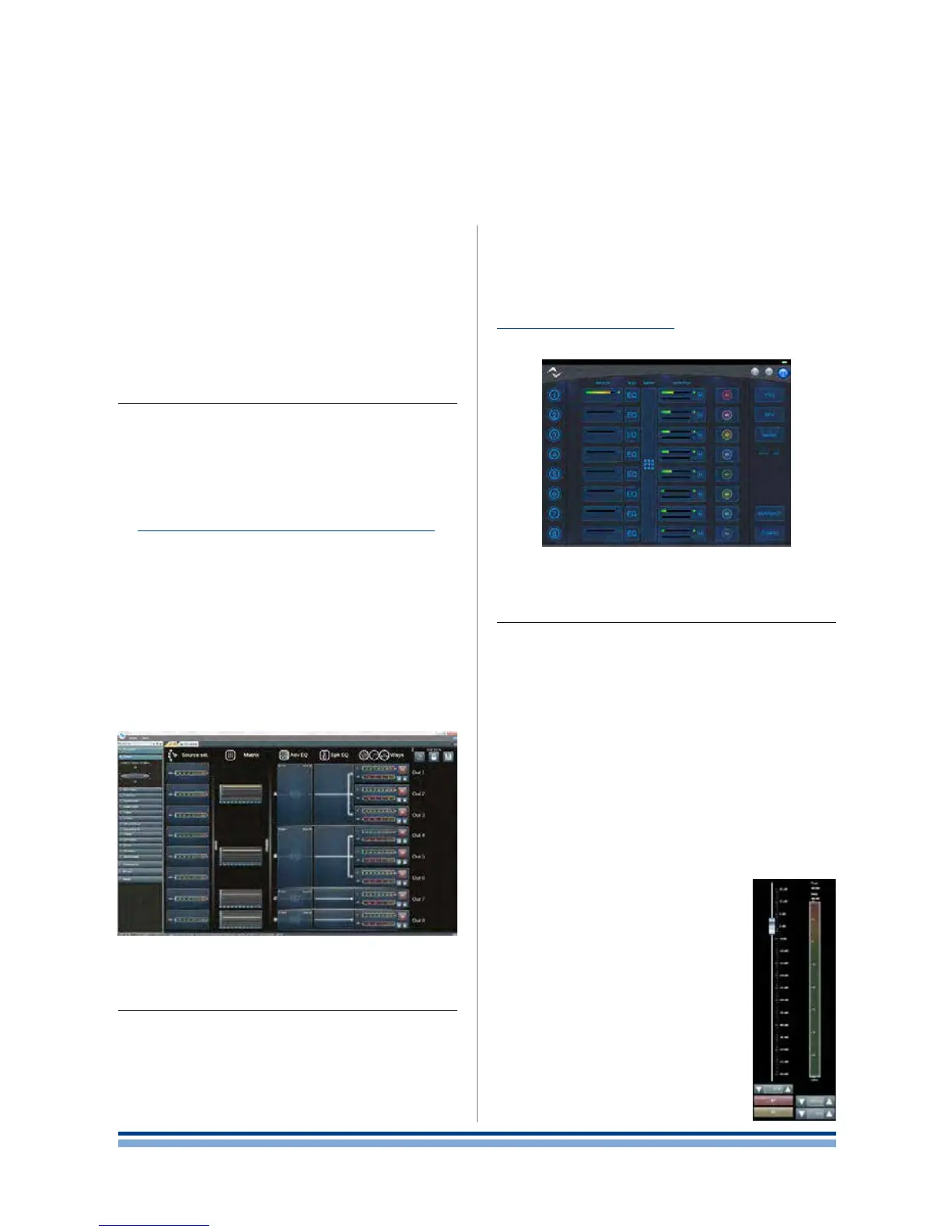
Armonía Pro Audio Suite™ gives you control over all X
Series features through its easy to use interface. Armonía
can be installed on a PC running Windows (XP SP3 and
higher). Download Armonía Pro Audio Suite™ from the
Armonía forum:
http://www.powersoft-audio.com/en/armonia-forum
X Series amplifer platforms can connect to the PC run-
ning Armonía through a Fast Ethernet connection. In order
to start remote operation on the networked device, it must
be discovered and imported into the Armonía Workspace.
Click on the Discover button in the Remote entities win-
dows, or select it from the Model list and drag it into the
Armonía Workspace.
The callback button – located rightmost on the front
panel of the amplier – allows you to highlight the presence
of the amplier into the Armonía Workspace.
15 : 2.X Series Control Panel application
In order to locally control and monitor the congura-
tion of the X Series amplier, a local WiFi connection can
be established between an amplier and a mobile device:
the X Series Control Panel application provides access to
system monitoring and basic setup, but it is not meant as a
substitute of Armonía Pro Audio Suite™:for full conguring
and ne tuning the amplier, Armonía Pro Audio Suite™ is
the default interface.
The X Series Control Panel is completely implemented
into the amplier: no dedicated application is needed other
than a supported web browser on the mobile device; refer
Chapter 14 : 1.WiFi connectivity to for more details on WiFi
networking.
15 : 3.Signal routing and DSP architecture
15 : 3.1. Signal processing
Signal processing on Powersoft X Series amplier plat-
forms accomplishes multiple functions that affect the audio
signal before power amplication.
The X Series embeds classic tools for loudspeaker sys-
tem management: the close integration of the DSP module
with the power supply and the output stages offers ne pa-
rameters adjustment and unrivaled performances in output
power control.
Digital signal processing in X Series can be performed
on many stages of the signal path: the main adjustements
include gain, polarity, delay and signal equalization; some
processing are related to particular stages, such as limiting
and damping control that are present on the
output section only, or input priority assign-
ment in the input section.
15 : 3.1.1. Gain
Gain control allows level adjustment. For
example, in the input stage the gain control
is meant to compensate the signal level
among different sources; on output stage,
the gain control on each output channel
provides output level adjustment.
15 : 3.1.2. Polarity
The polarity switch, ips the polarity of
a signal.
FIGURE 28: Armonía Pro Audio Suite™.
FIGURE 29: X Series Control Panel.
18 | X Series | User guide














 To Next Page