Troubleshooting
105
Powerware
®
9170
+
UPS User’s Guide S Rev B www.powerware.com
Alarms
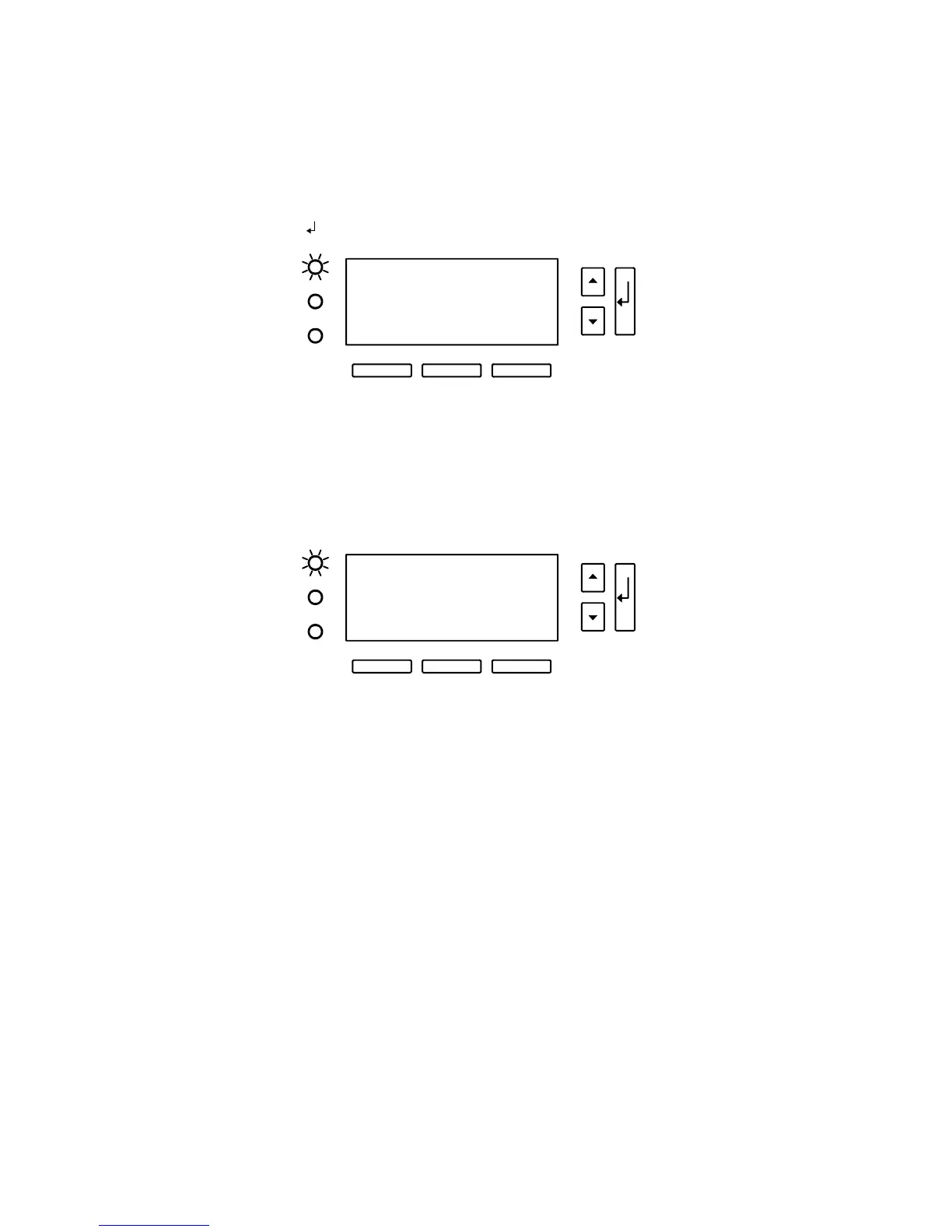
Figure 61 shows a typical alarm display. Alarms are annunciated by a
constant Alarm LED and a constant beep. During alarm display, button
(A) silences the audible alarm, button (B) clears the alarm display, and
button (C) performs the normal Escape function to exit from the alarm
display. The
button enables you to scroll through all alarms.
S High AC Input
System
(A) (B) (C)
(Silence) (Clear) (ESC)
Figure 61. Typical System Active Alarm Display
Figure 62 shows a detailed alarm entry. Some alarms provide additional
information on the second line of the display to help identify the cause
of the alarm. The third line may also display a specific slot number where
the fault occurred. If the alarm is not specific to a slot number, “System”
appears on the display.
M Batt Test Failed 1
Open Cell
Slot 4
(A) (B) (C)
(Silence) (Clear) (ESC)
Figure 62. Detailed Alarm Entry
When the Powerware 9170
+
UPS detects an alarm condition, the UPS
displays the alarm with the following indications:
쑺 the red LED next to the front panel display illuminates
쑺 sounds an audible alarm
쑺 displays an alarm message












 To Next Page