UPS Startup
68
Powerware
®
9170
+
UPS User’s Guide S Rev B www.powerware.com
Startup for Hardwired Units
To start a hardwired unit, use the following steps:
1. Confirm that an electrician has completed and tested the
connection to the proper power source.
2. If external battery cabinets are installed, check the cable
connections between the UPS and external battery cabinets.
3. Ensure that all power modules are properly installed and latched
into the UPS cabinet.
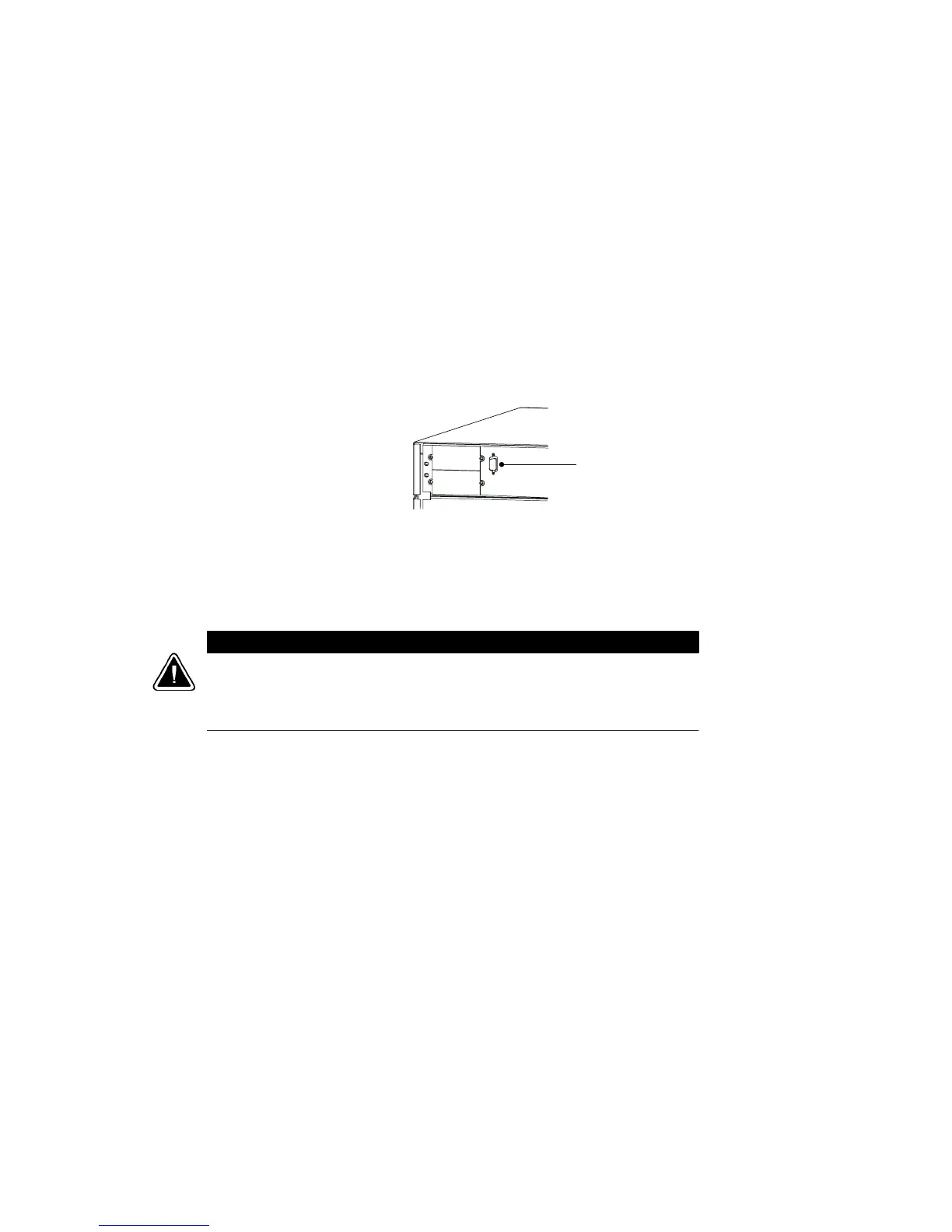
4. If you are installing power management software, connect your
computer to the UPS communication port using the supplied
communication cable.
DB-9 Connector for
Computer Cable
Figure 51. Communication Port
5. If your unit is wired to an external bypass switch, you must
perform a voltage and phase check (Steps 6 through 16).
Otherwise, skip to Step 17.
CAUTION
Before operating the bypass switch, use the following procedure to check the
wiring for correct installation. To prevent damage to the load, turn off the main
circuit breaker in the load service panel or verify that the load cannot receive
power from the UPS.
6. At the bypass switch, press the red button and turn the switch
to UPS.
7. Remove the six screws in the bypass switch front panel and
remove the panel to gain access to the terminal block for
voltage measurements.












 To Next Page