Operation
82
Powerware
®
9170
+
UPS User’s Guide S Rev B www.powerware.com
Inverter Log
The inverter (Battery mode) log is in menu 2, submenu 1. Move through
the menu structure by pressing the Menu button and pressing the
buttontomovedowntomenu2.Press to move to submenu 1 and
press
again to view the most recent entry in the inverter log.
The log stores up to 10 entries, in chronological order. You can use the
and
buttons to scroll up and down through the log entries. Each
entry shows the date and time the unit switched to battery operation
(in 24 -hour format), and the duration of battery operation (in hours and
minutes).
A typical entry might look like this:
211 #0
I 09/29 13:56 01:04
Line Fault
Slot Top ESC
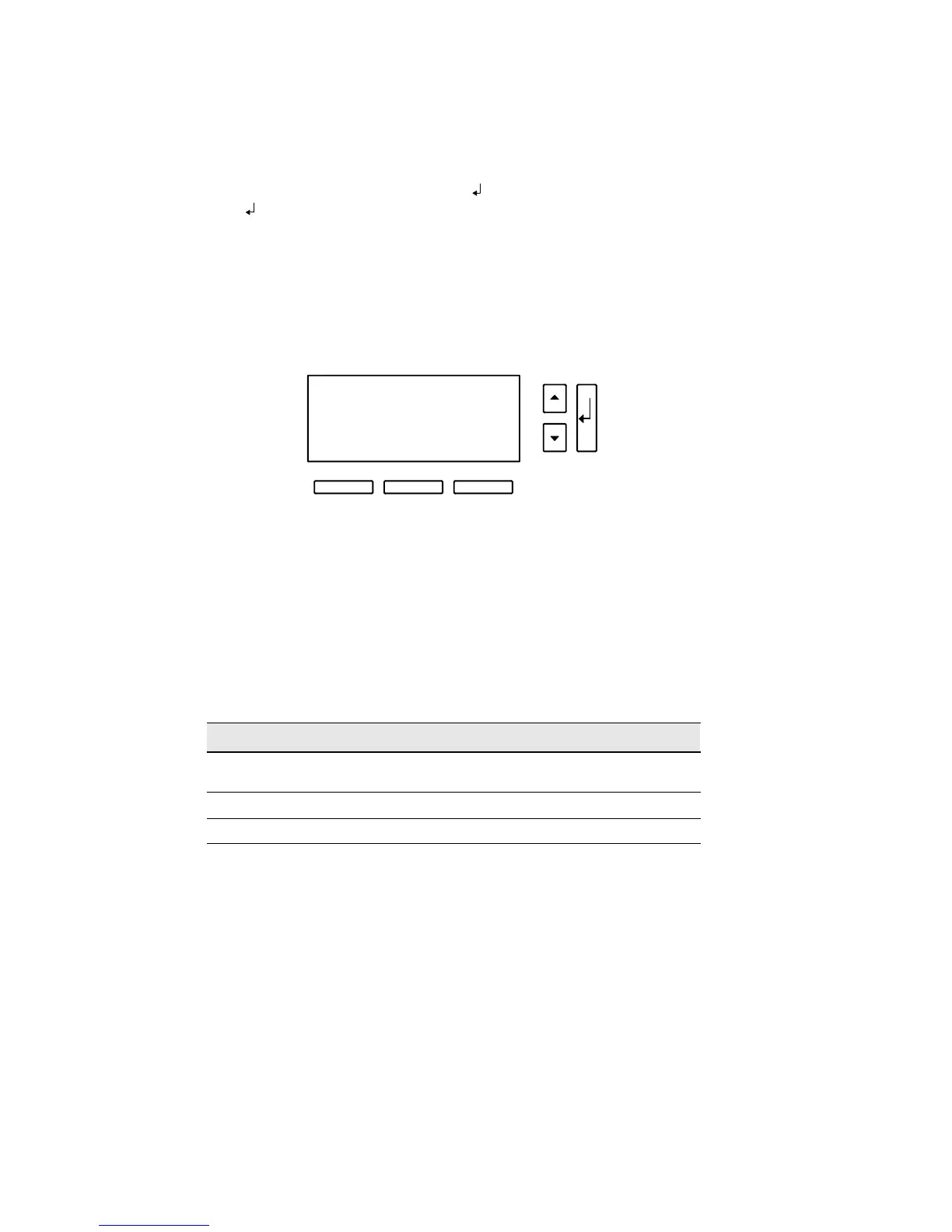
Figure 57. Inverter Log Entry
In Figure 57, the most recent inverter log (2 1 1) is being displayed. If the
unit is still running on inverter (battery power), an asterisk (*) is
displayed beside the date. “09/29” is the date of the Battery mode
operation: September 29. “13:56” means that Battery mode operation
started at 1:56 p.m. And “01:04” means the batteries supplied power for
1 hour and 4 minutes.
Table 11 contains a description of all inverter messages.
Table 11. Inverter Log Messages
Message Explanation
Line Fault UPS switched to battery because the input voltage was too high or
too low.
Battery Test Battery test initiated inverter operation.
Manual Operator initiated inverter operation.












 To Next Page