UPS Startup
65
Powerware
®
9170
+
UPS User’s Guide S Rev B www.powerware.com
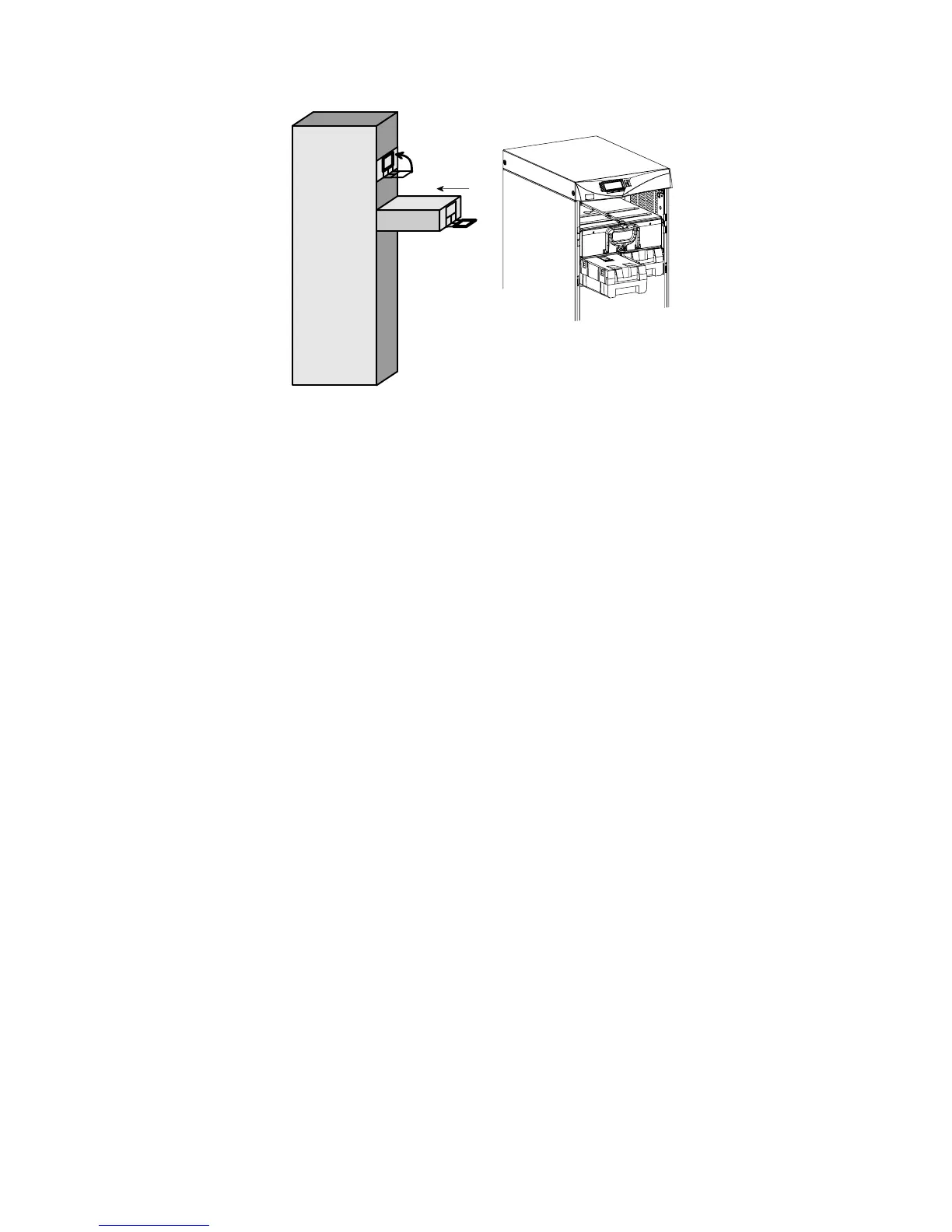
Figure 48. Inserting the Modules
4. If you installed an optional battery cabinet, repeat Steps 1 and 2
to install the battery modules.
5. Reinstall the front cover panel(s).
6. Continue to the following section, “Startup for Plug-Receptacle
Units” if your cabinet has a power cord already attached. If you
hardwired the UPS, skip to “Startup for Hardwired Units” on
page 68.
Startup for Plug -Receptacle Units
To start a plug-receptacle unit, use the following steps:
1. Plug the power cable of the unit into an approved, functional
power outlet.
2. If external battery cabinets are installed, check the cable
connections between the UPS and external battery cabinets.
Close the DC disconnect switch button on the back of each
external battery cabinet. Insert the switch key supplied with the
cabinet into the button and turn clockwise 1/2-turn. Pull the
button out to close the switch. Turn the key back
counter-clockwise, and remove the key.












 To Next Page