UPS Startup
66
Powerware
®
9170
+
UPS User’s Guide S Rev B www.powerware.com
3. Ensure that all power modules are properly installed and latched
into the UPS cabinet.
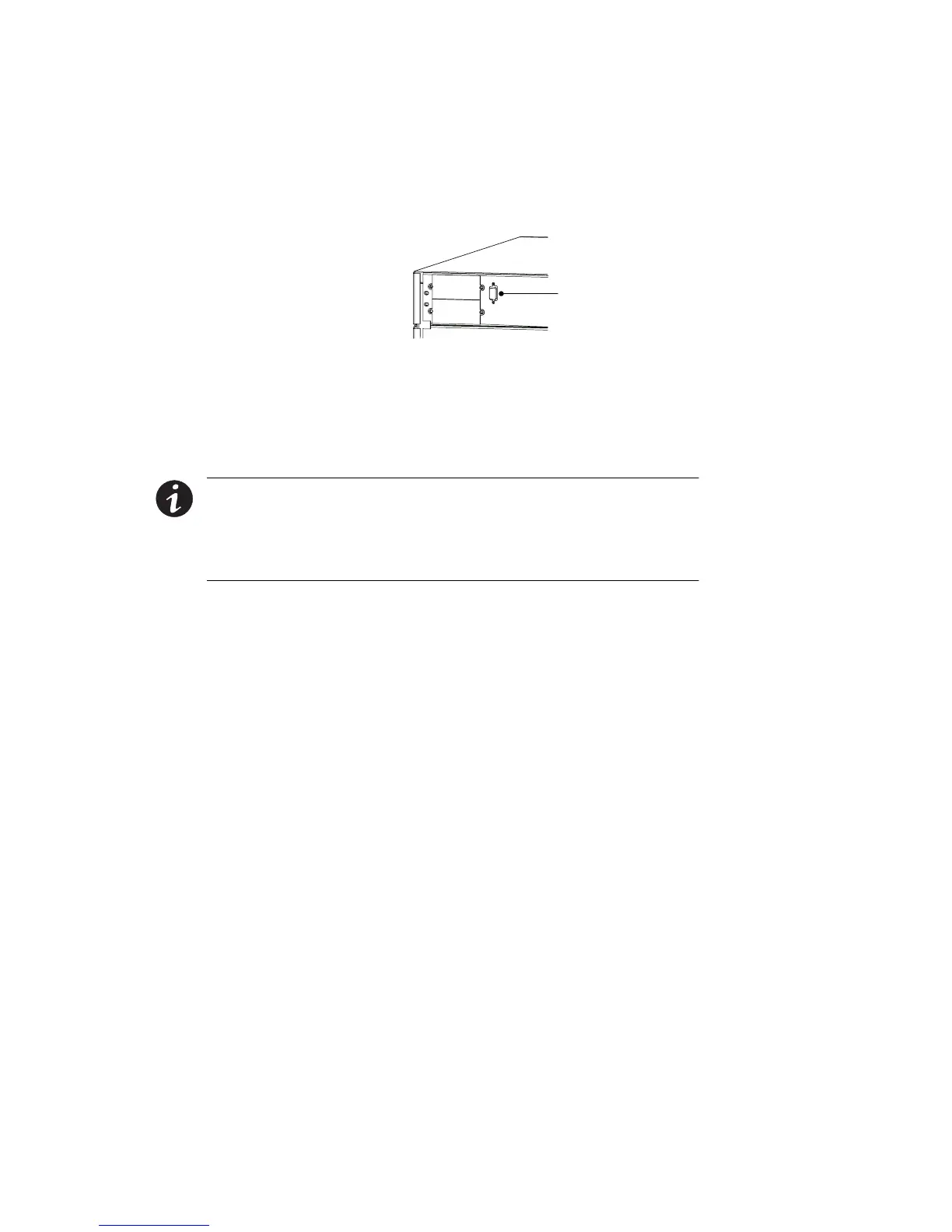
4. If you are installing power management software, connect your
computer to the UPS communication port using the supplied
communication cable.
DB-9 Communication
PortforComputerCable
Figure 49. Communication Port
5. The UPS front panel display automatically turns on whenever
input power is present and at least one power module is
installed. Set u p the initial operating parameters through the
front panel display (see “Initial Startup Parameters” on page 72).
NOTE The unit has no physical On/Off switch. The UPS On/Off
function must be accessed through the front panel display.
NOTE If the UPS has been manually set to operate in Bypass or Battery
mode, change the System Control Mode Preference (menu 4-1) selection to
Auto to return to normal Auto mode operation.
6. If applicable, test proper operation of optional external control
signals and computer communication before connecting the
load. (See “DB-9 Communication Port” on page 90 for details.)












 To Next Page