101
CLOCK
1
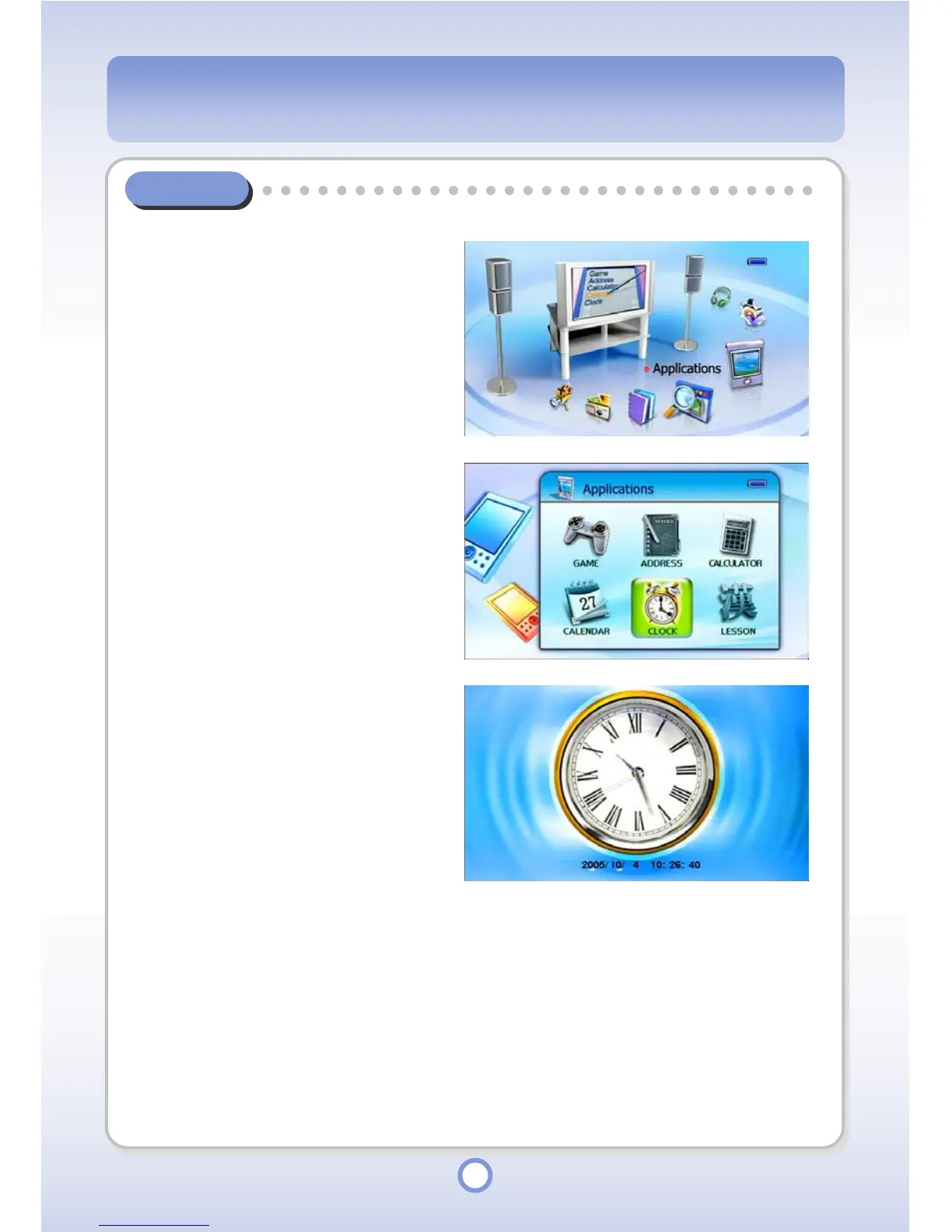
In the Main screen, select the
<Applications> icon by using the
Left/Right direction key of the
Navigation button and press the
|| button
▶
.
- The Application list appears.
2
Select <CLOCK> and press the
|| butt
▶
on.
- The Clock screen appears
displaying the current time.
3
Press the <MENU> button.
- To set the time, select <Clock
Setting> and set the time by using
the ◀/▶/▲/▼buttons.
- To exit the clock, select <Quit>.



 To Next Page