96
ADDRESS
참고
To manage the address book more easily, use the Address Book function of the application
program installed on the PC.
1
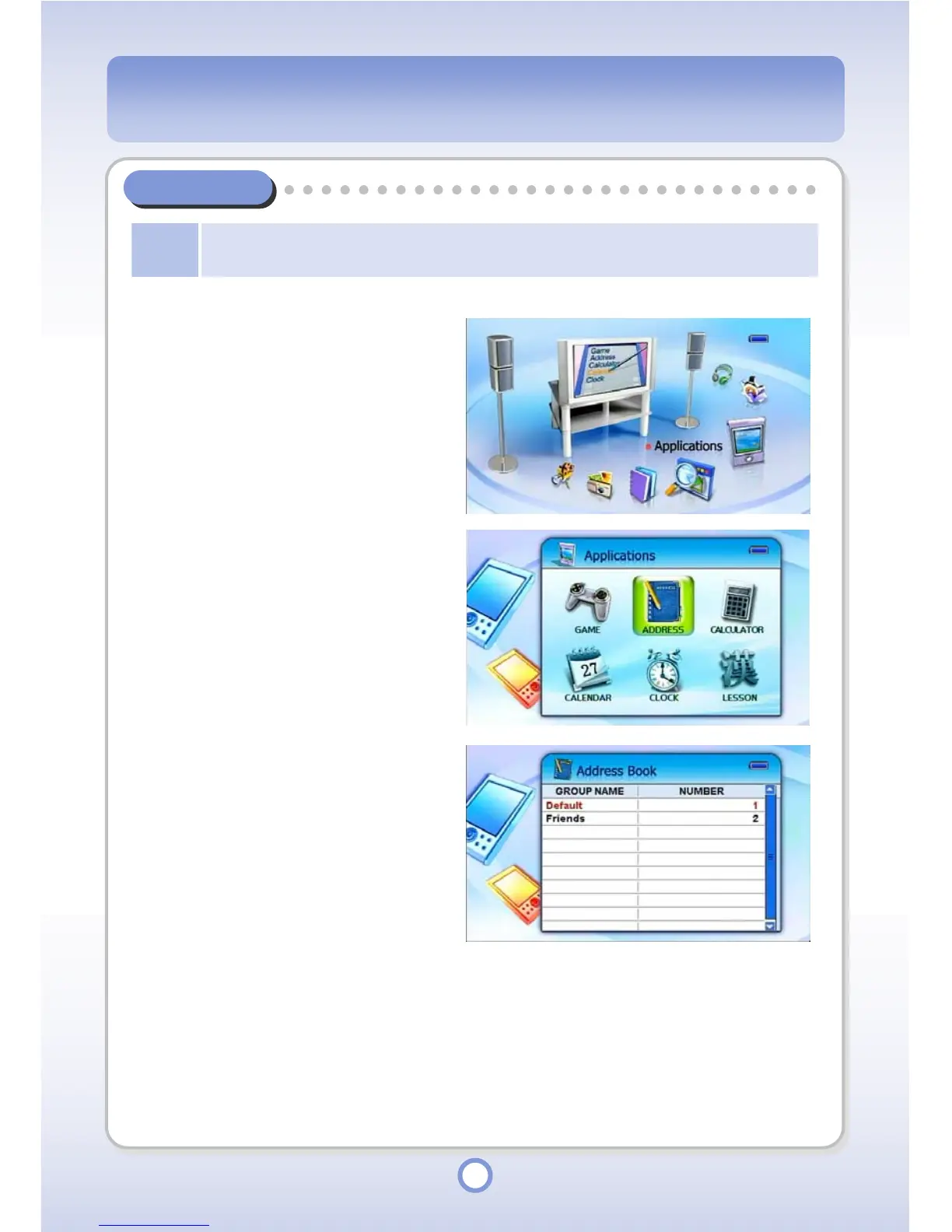
In the Main screen, select the
<Applications> icon by using the
Left/Right direction key of the
Navigation button and press the
|| button.
▶
- The Application list appears.
2
Select <ADDRESS> and press the
|| button.
▶
-
The Address book group list appears.
3
Select a group and press the ||
▶
button.
- The addresses included in the
group are displayed.
- Press the <ESC> button, to exit
the Address Book.



 To Next Page