85
Photo
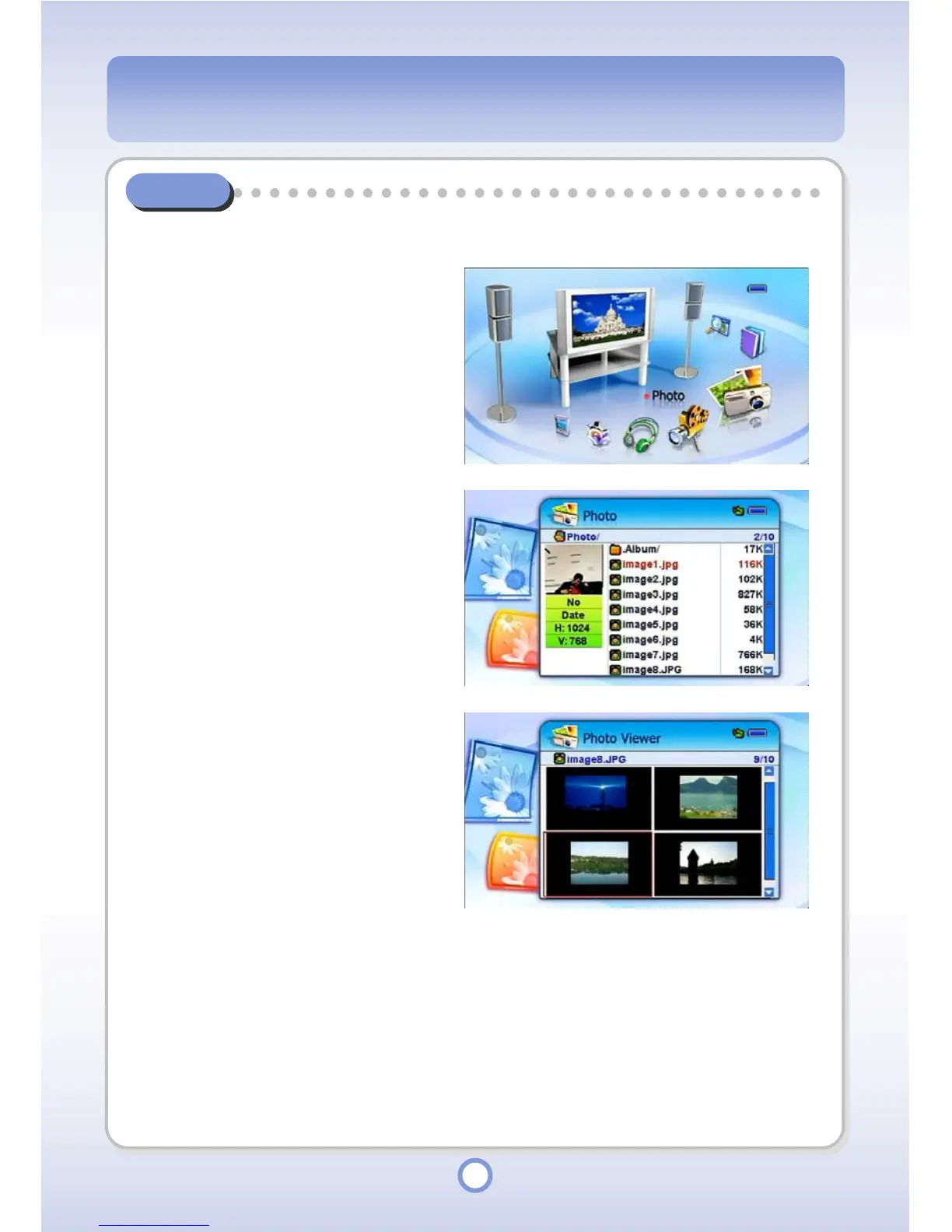
You can find and view pictures and manage them by creating albums.
1
In the Main screen, select the
<Photo> icon by using the
Left/Right direction key of the
Navigation button and press the
|| button.
▶
- All folders and files included in the
Photo folder are listed.
- Photo list appears.
- The appearance of the photo list
display is determined depending
on the Thumbnail/FileList setting
of Photo Setup.
2
Select a photo and press the
▶
||
button.
- The photo is displayed through
the Photo Viewer.



 To Next Page