56
Direct File Download to the mPack
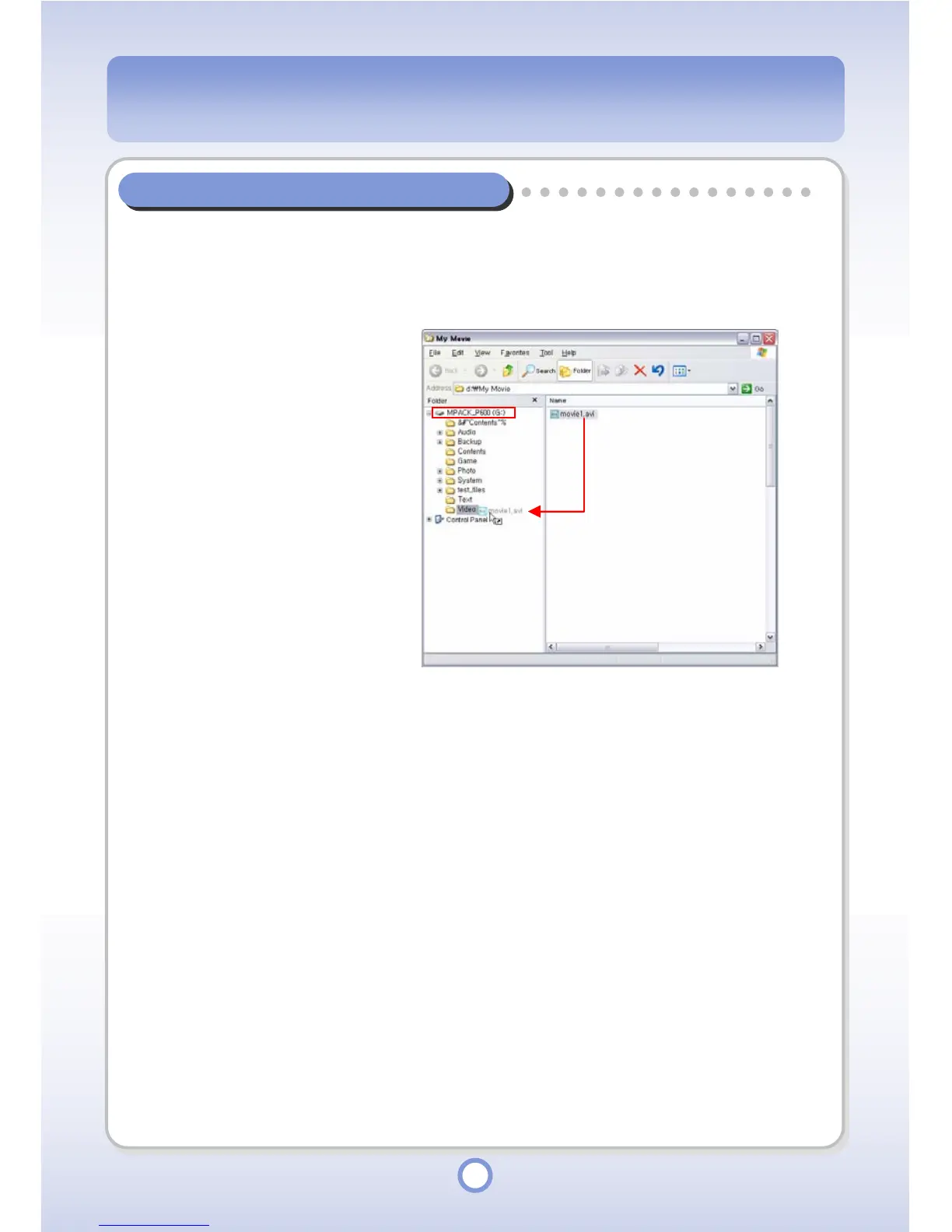
Connect the PC and the mPack p600 with the USB cable. Using the Windows Explorer,
directly download a file to the mPack P600 that is recognized as a removable disk on
the PC.
1
Connect the PC and the
mPack with the USB cable.
- The mPack is recognized
as a removable disk.
2
Launch the Windows
Explorer.
3
Select a file to be sent to the
mPack P600 and copy it into
a folder in the mPack_P600
hard disk drive.



 To Next Page