24
Connecting an External Device
Video Port / Audio Port
Use these ports to connect an external device such as a TV or amplifier to watch video on a
larger screen or to listen to music. You can make a video connection with the Composite or
Component cable.
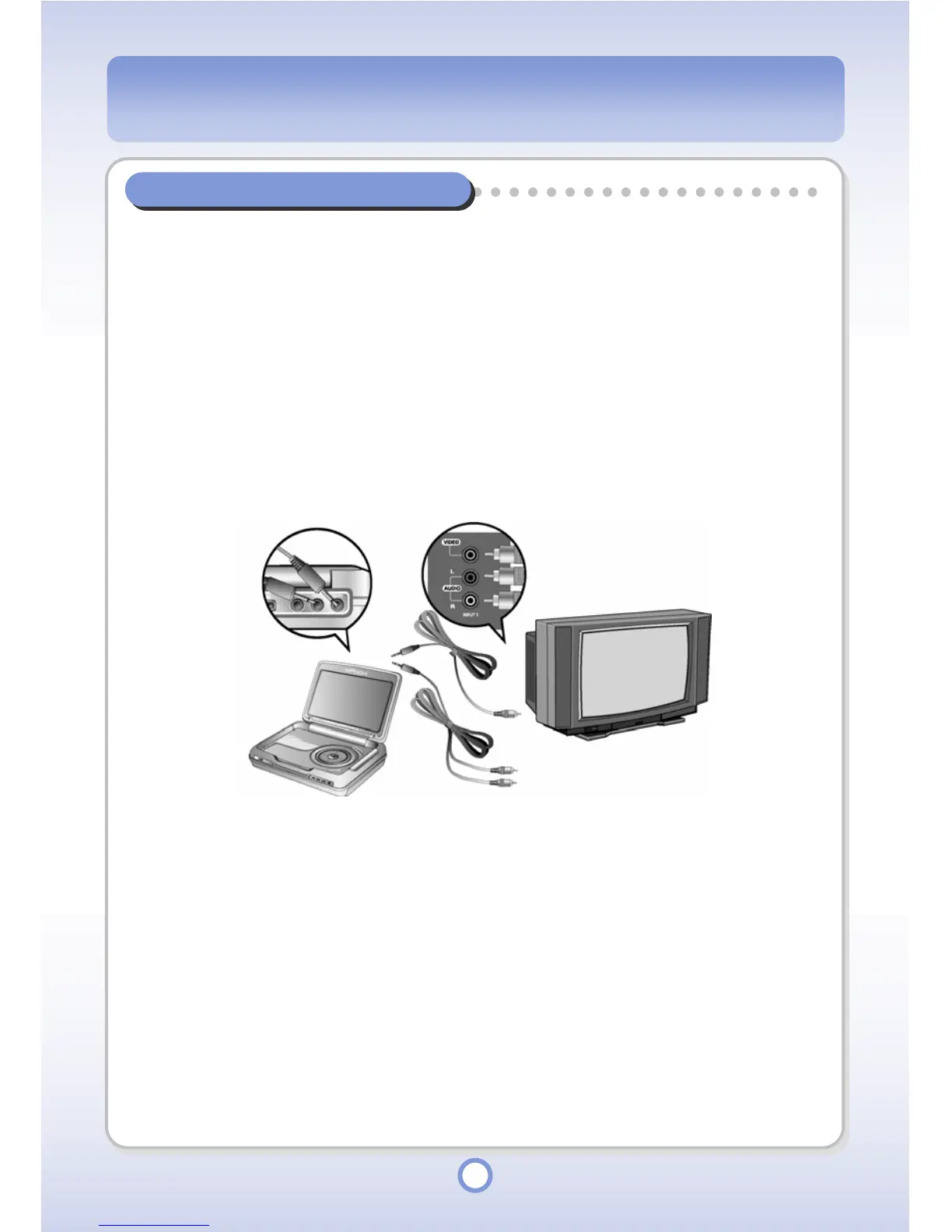
Connecting with the Composite Cable
Connect the Video Port of your player and the video input (VIDEO IN) port of an external
device (e.g. TV, etc.) with the Composite cable. In this case, connect the Audio Port of your
player and the audio input (AUDIO[L/R] IN) port of the external device (e.g. TV, etc.).



 To Next Page