67
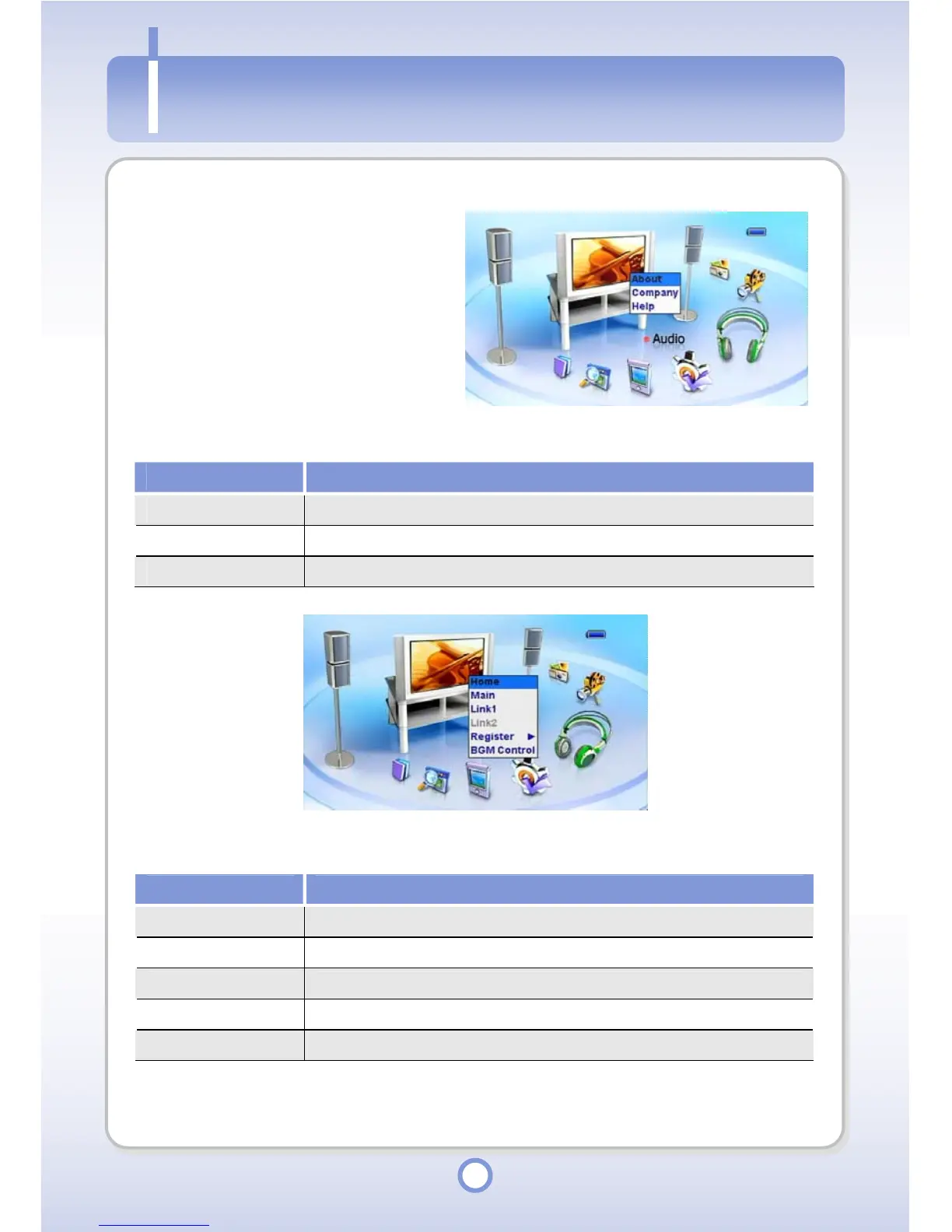
About/Company/Help
1
Press the <MENU> button in the
main screen.
- The About, Company and Help
pop-up menu appears.
Item Description
About You can view the mPack version information.
Company You can view PQI company information.
Help You can view on-line help for buttons.
When you press and hold the <MENU> button in all screens, a sub pop-up menu including the
following items appears.
Item Description
Home You can view the screen you have registered as Home.
Main You can return to the main screen.
Link1/Link2 You can switch to the screen registered as Link1/Link2.
Register You can register the current screen as Home or Link1/Link2.
BGM Control You can set BGM ON/OFF, adjust the volume and select a BGM.
About/Com



 To Next Page