70
Audio
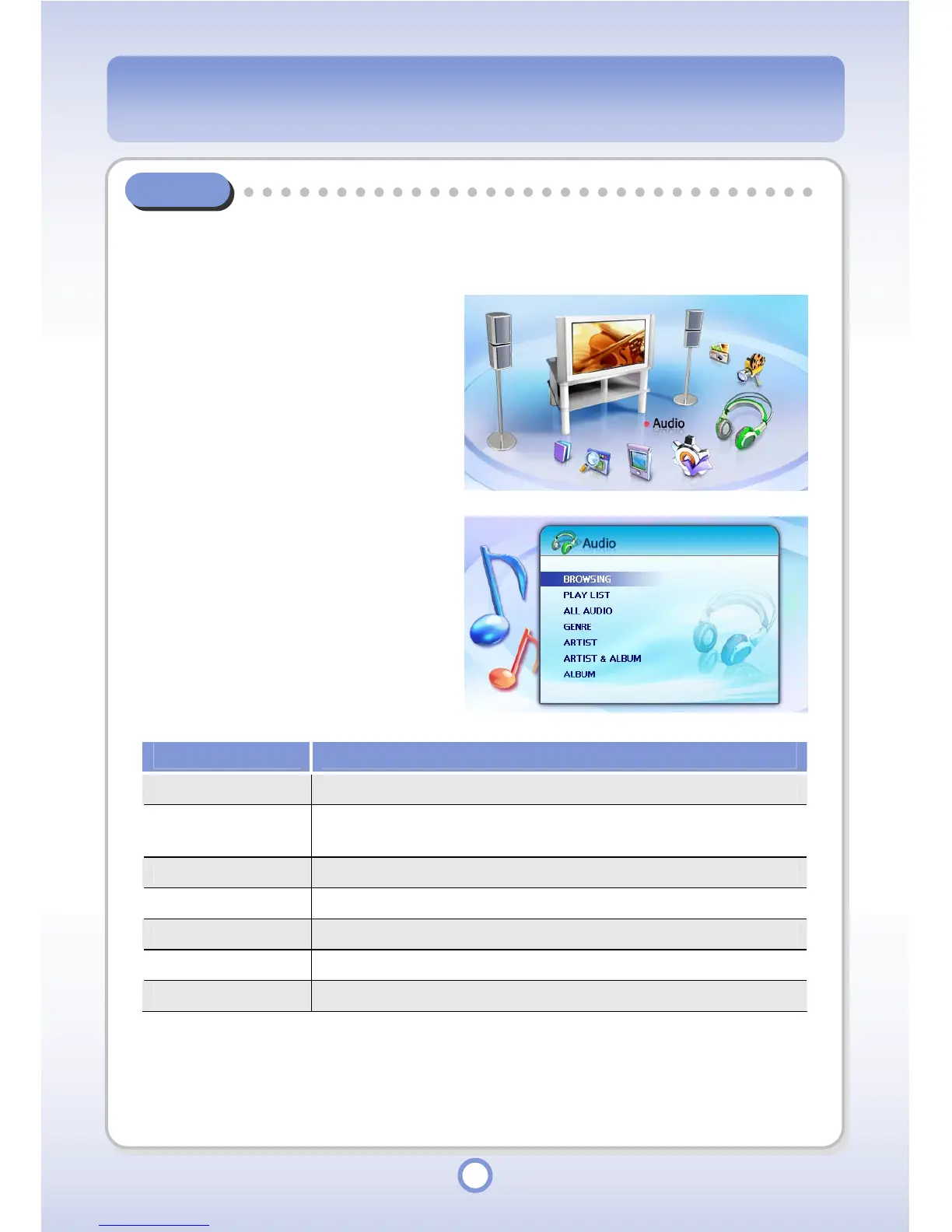
You can find a music file in the Audio folder, use the playlist function and play music files by
Genres/Artists/Artists&Albums/Albums.
1
In the Main screen, select the
<Audio> icon by using the
Left/Right direction key of the
Navigation button and press the
|| button.
▶
- The Audio sub menu appears.
Item Description
BROWSING You can find and play an audio file in the Audio folder.
PLAY LIST
You can create and manage a playlist and play an audio file
included in the playlist.
ALL AUDIO You can find all audio files and play an audio file.
GENRE You can search for audio files by genre and play them.
ARTIST You can search for audio files by artist and play them.
ARTIST & ALBUM You can search for audio files by artist and album, and play them.
ALBUM You can search for audio files by album and play them.



 To Next Page