23
Connecting the Remote Control/Earphones
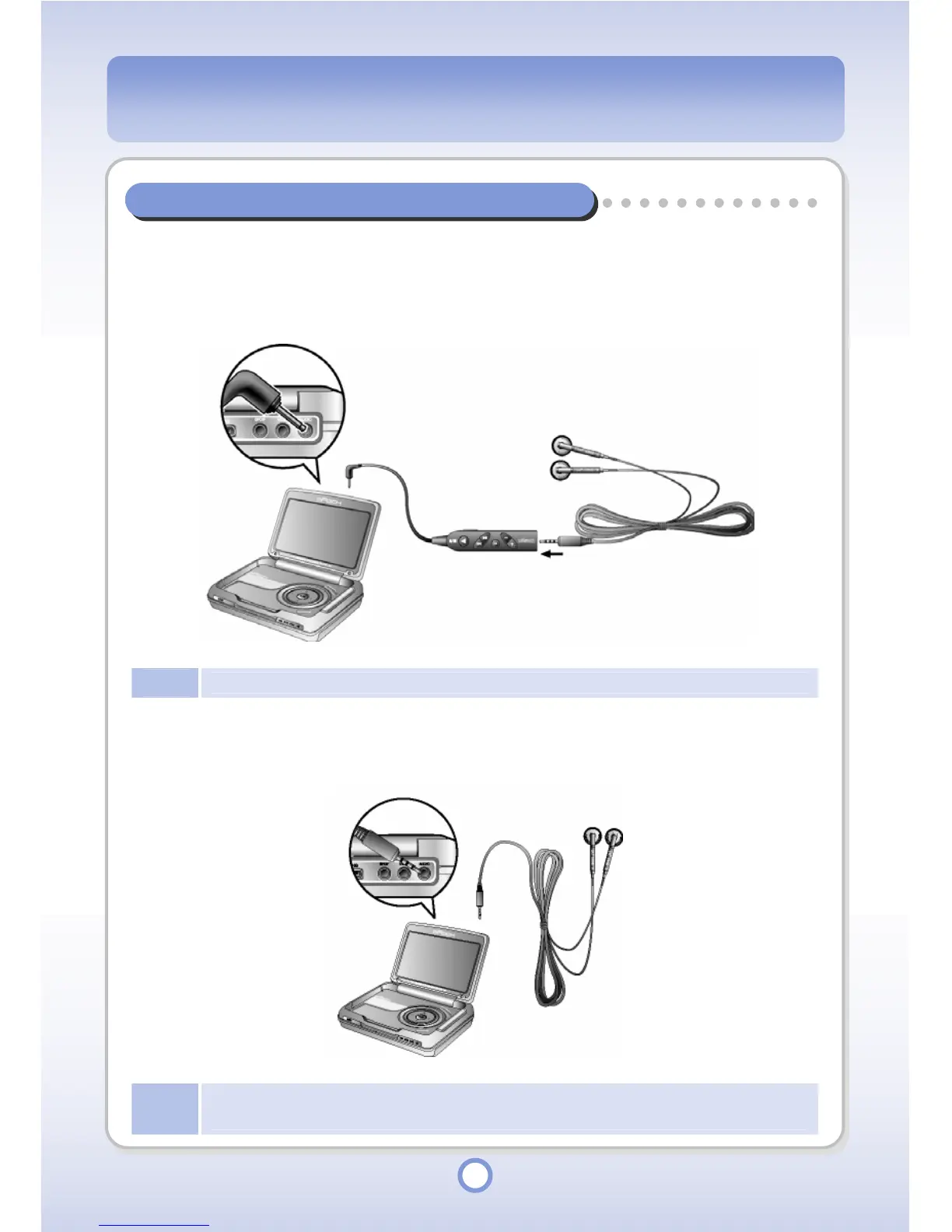
Connecting the Remote Control and Earphones
Connect the earphone remote control and the earphones and then connect the earphone
remote control to the Audio port.
Note
The mPack P600 Standard is not supplied with an earphone remote control.
Connecting the Earphone
Connect the earphone to the Audio port.
Note
The earphones supplied with mPack P600 Professional and mPack P600 Standard are not the
same. The above figure illustrates connections for the mPack P600 Professional.



 To Next Page