81
Video
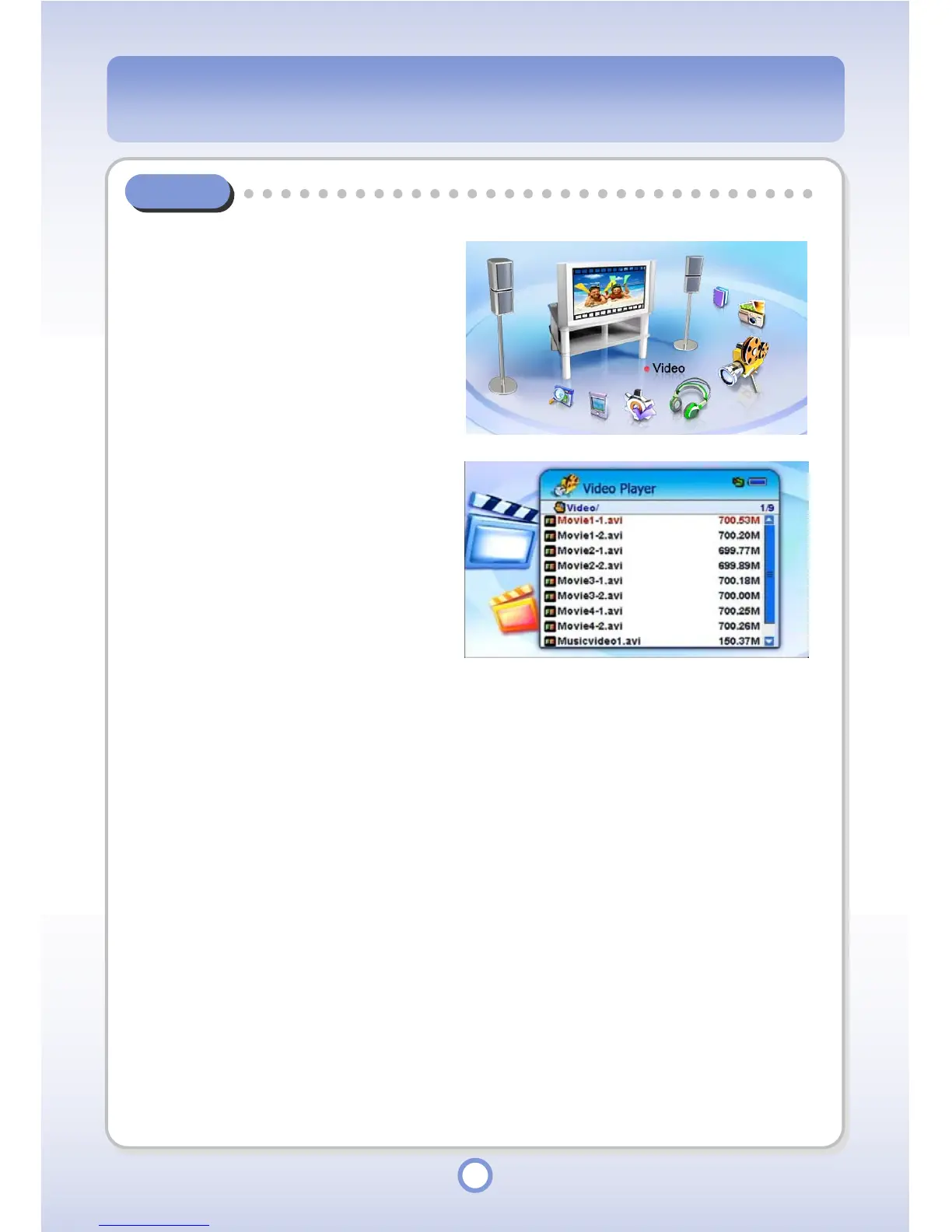
You can find and play a find a video file in the Video folder.
1
In the Main screen, select the
<Video> icon by using the
Left/Right direction key of the
Navigation button and press the
|| button.
▶
- All folders and files included in the
Video folder are listed.
2
Select a video file to be played
and press the
▶
|| button.
- The video file is played through
the Video Player.



 To Next Page