82
Video File List
All the video files and folders included in the Video folder are listed in the video file list. To play
a video file saved in another folder, use the Browser.
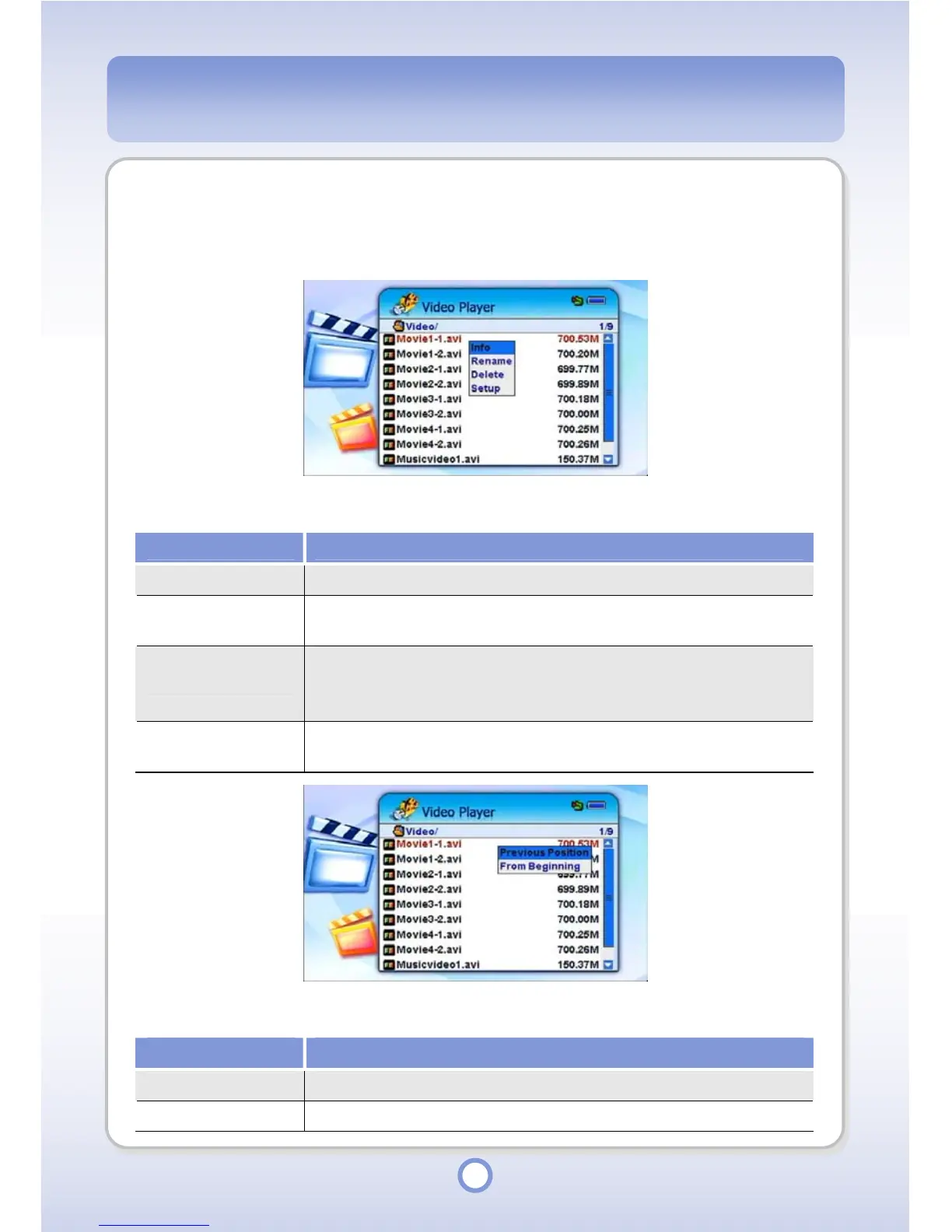
When you press the <MENU> button in the video file list, a pop-up menu providing the
following functions appears.
Item Description
Info
You can view information about a video file folder.
Rename
You can rename a video file or folder. Enter a new name using the
screen keyboard.
Delete
You can delete a video file or folder. If you delete a folder, all the files
and folders included in the folder are also deleted. You cannot
restore a deleted file or folder.
Setup
You can set up video settings. For more detailed information, refer to
“Video Setup” on page 105.
When you press the ||
▶
button in the video file list, a pop-up menu providing the following
functions appears.
Item Description
Previous Position You can play a video from the last played position.
From Beginning You can play a video from the beginning.



 To Next Page