83
Video Player
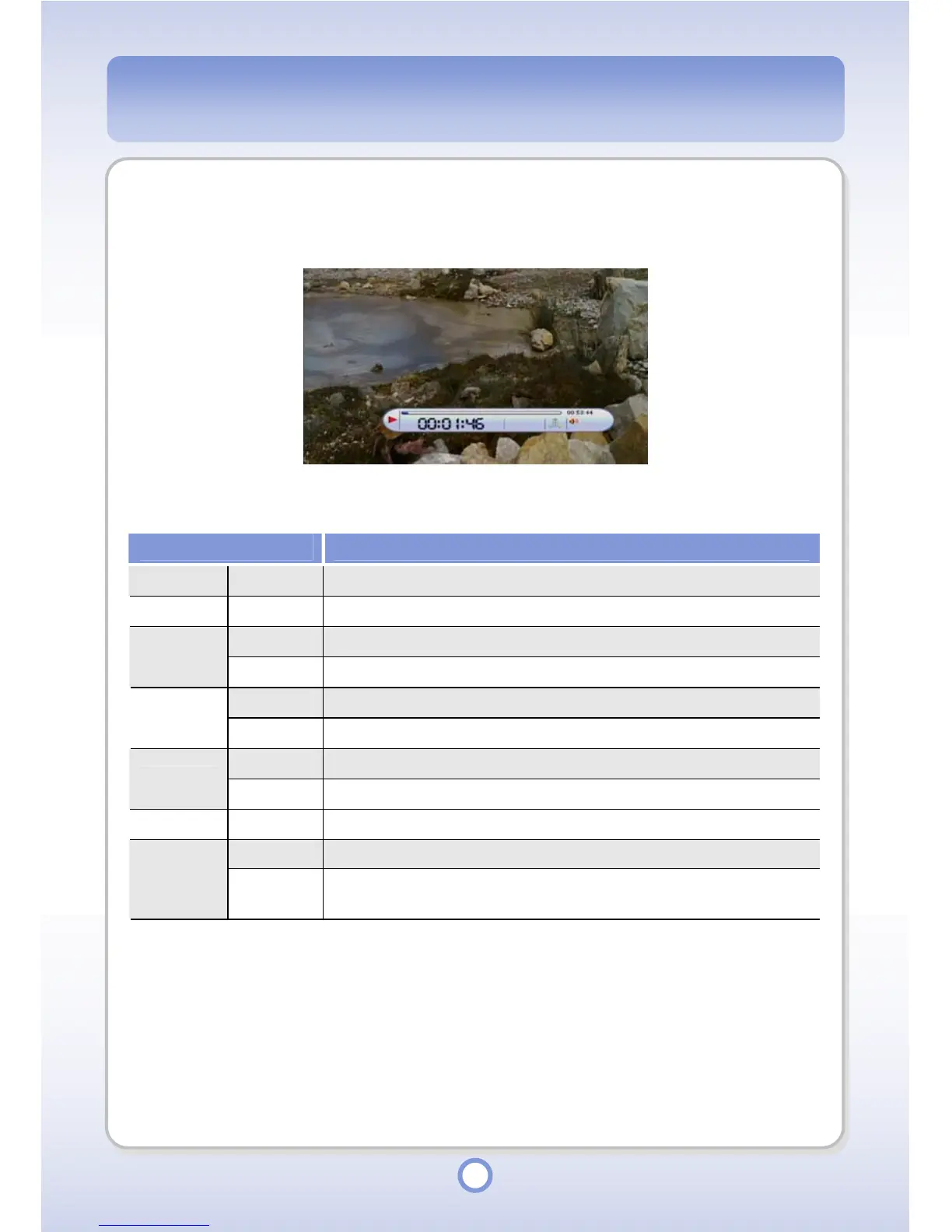
A video file is played by Video Player.
The functions of the Navigation button during playback are listed below.
Item Description
▲
Press to turn the volume up.
▼
Press to turn the volume down.
Short
Press to play the previous file.
◀
Long
Press to rewind by Speed Control.
Short
Press to play the next file.
▶
Long
Press to fast forward by Speed Control.
Short
Press to play a video file or pause the play.
▶
||
Long
Press to exit the Video Player.
MENU Short Press to open the pop-up menu.
Short
Press to exit the Video Player.
ESC
Long
Press to mute the sound. To cancel the Mute function, press and
hold the <ESC> button.



 To Next Page