102
LESSON
1
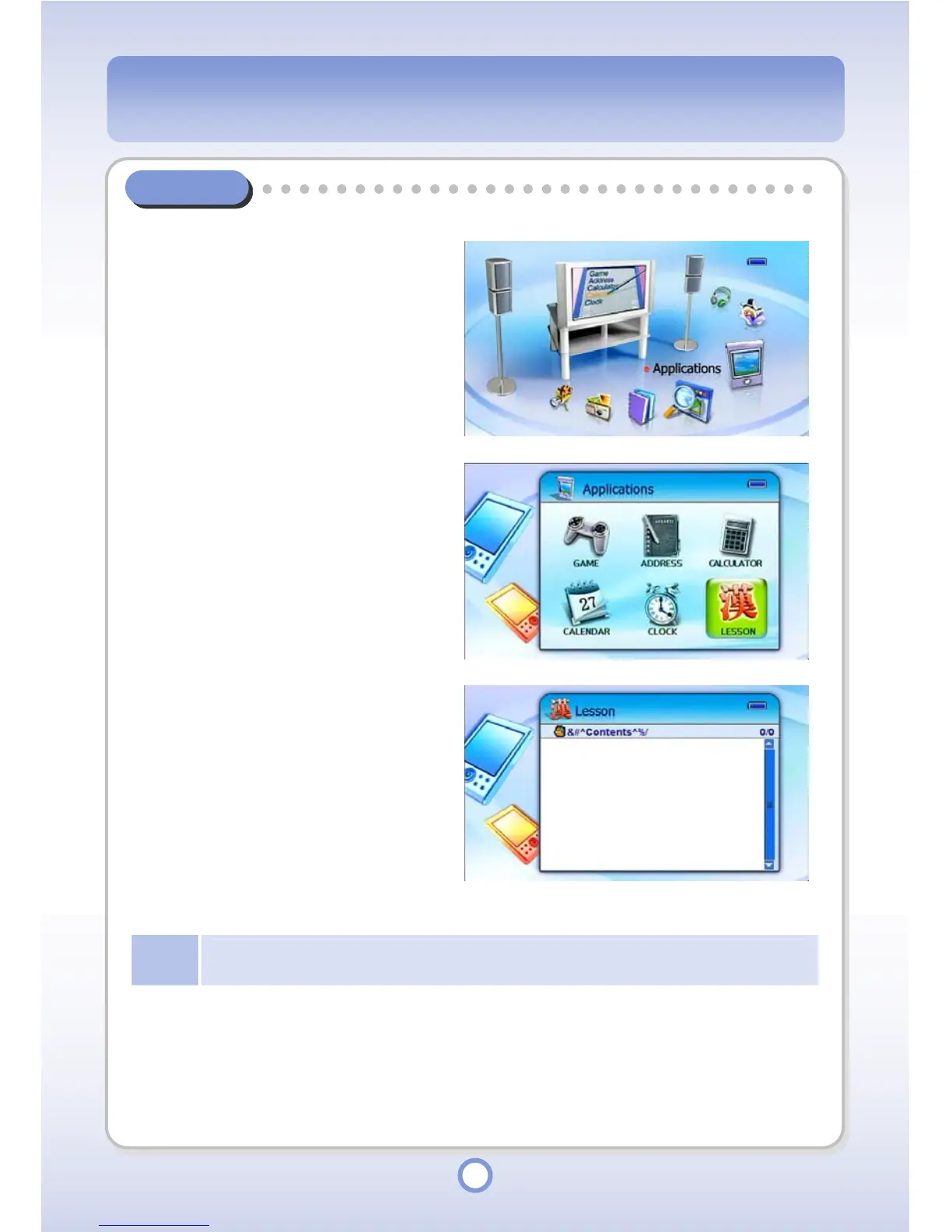
In the Main screen, select the
<Applications> icon by using the
Left/Right direction key of the
Navigation button and press the
|| button.
▶
- The Application list appears.
2
Select <LESSON> and press the
|| button.
▶
- The Lesson list appears.
3
Select a lesson and press the
▶
||
button.
- The lesson is started.
Note
PQI is selling contents such as Chinese study for mPack users. For more information, refer to
PQI web site, www.pqi.com.tw.



 To Next Page