21
Connecting the Player
Connecting Power
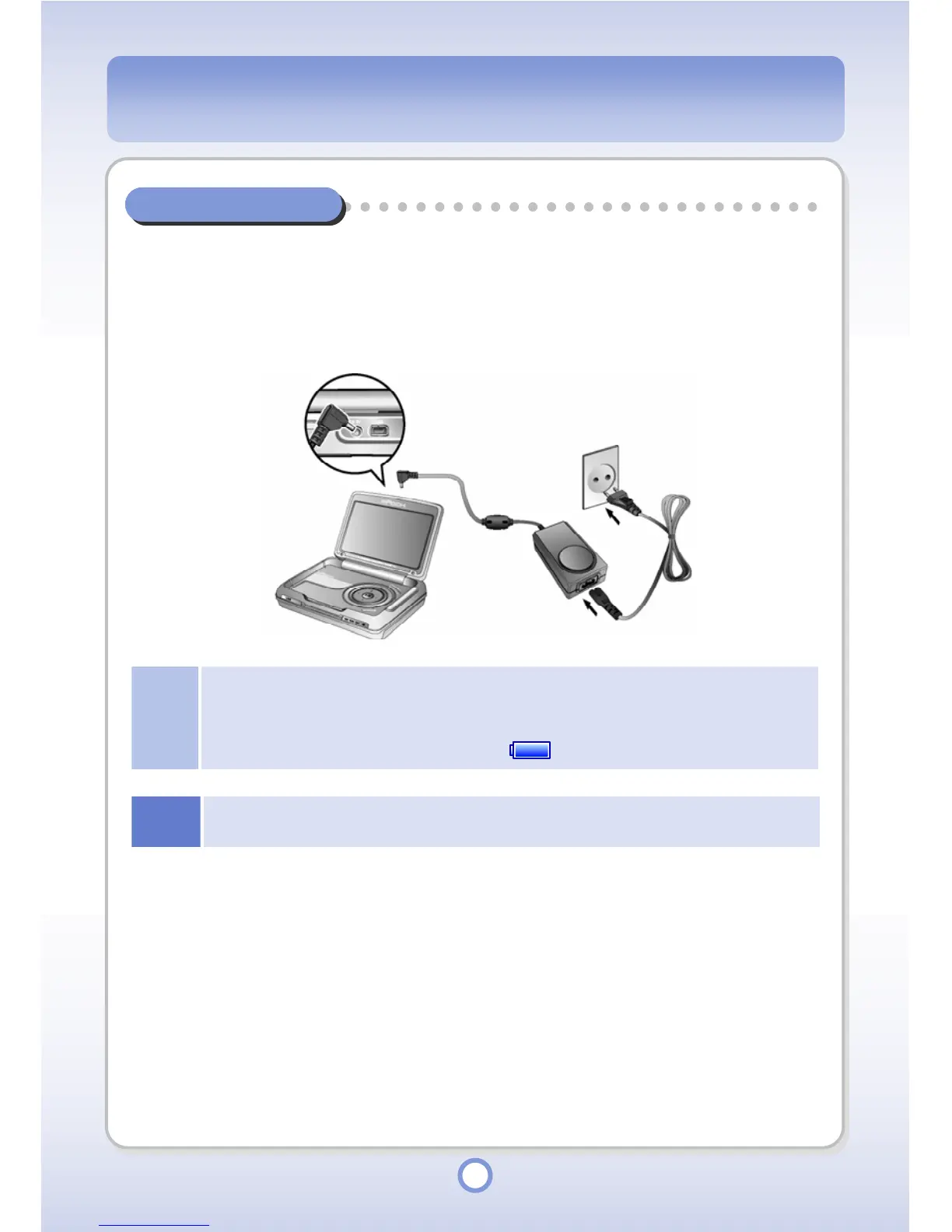
Connecting the Adapter
Connect the AC adapter to the DC-5V jack of the player and connect the AC adapter plug into
a wall outlet. The input specifications for the AC adapter is 100~250V, 50~60Hz. The power
output from the adapter is DC 5V, 2A.
Note
●
If the battery is fully charged, the external CHG LED turns green. While the battery is being
charged, the LED remains red.
●
You can also view the battery charge status through the icon on the main body LCD. If the
battery is fully charged, the icon changes to .
Notice
Use only the AC adapter supplied with the product. Using an unauthorized AC adapter may
cause damage to the product.



 To Next Page