97
4
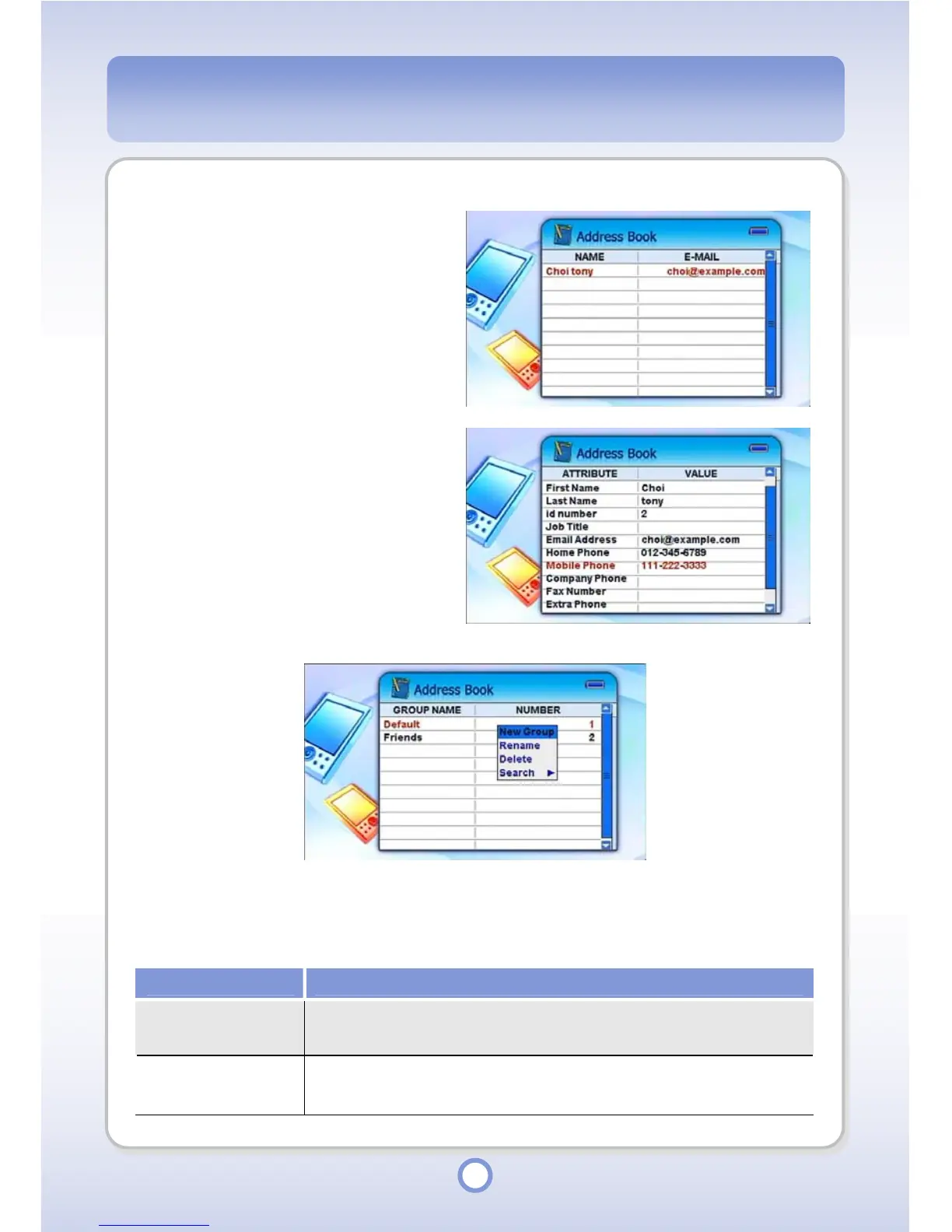
Select an address and press the ||
▶
button.
- Detailed information for the
corresponding address is
displayed.
- To change the details, select an
item to change and press the ▶||
button.
5
To change the details, select an
item to change and press the ||
▶
button.
- Enter detailed information by
using the screen keyboard.
- Press the <ESC> button to return
to the address list screen.
When you press the <MENU> button in the group list, a pop-up menu appears providing the
following functions.
Item Description
New Group
You can create a new group.
Enter a group name using the screen
keyboard
Rename
You can rename a
group.
Enter a new group name using the screen
keyboard
. However, you cannot rename the default groups.



 To Next Page