41
6
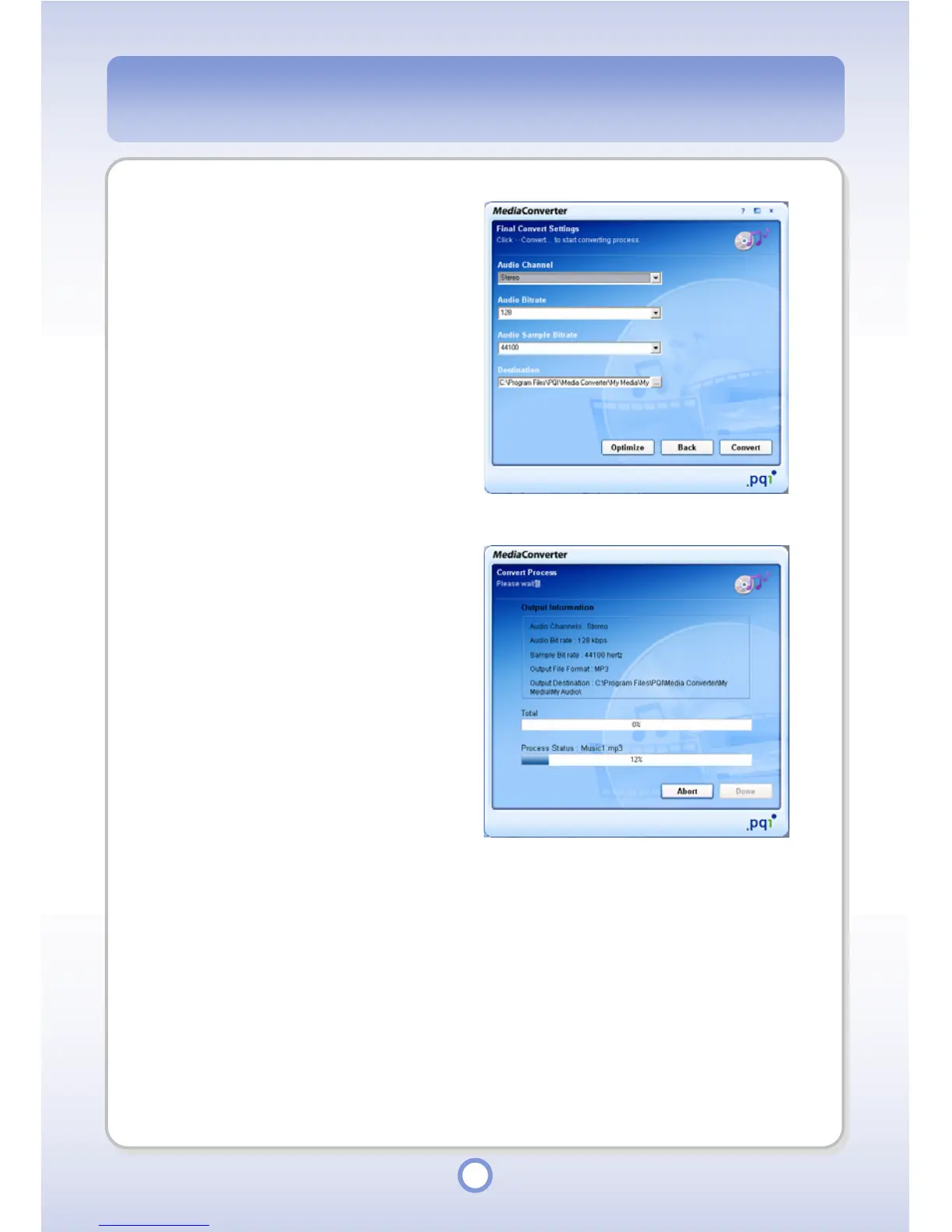
Set file format conversion
options.
● Audio Channel: Mono, Stereo
● Audio Bitrate: 96, 128, 192, 256
● Audio Sample Bitrate: 44100,
48000
● Destination: Set a folder to save
the converted file into.
7
Click the <Convert> button.
- Click the <Optimize> button to
restore the defaults.
8
When the file conversion is
completed, click the <Done>
button.



 To Next Page