47
Deleting a Playlist
1
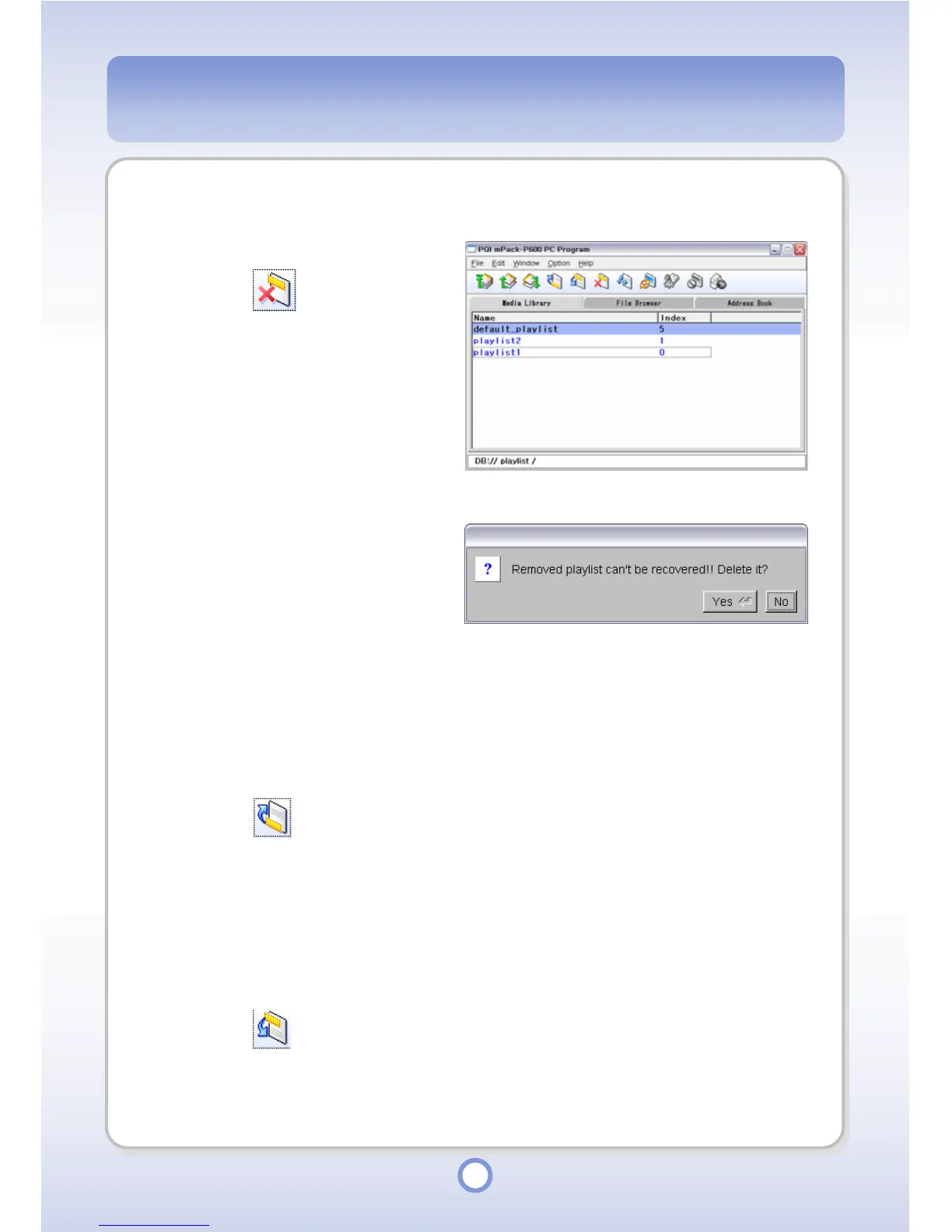
Select a playlist to be deleted.
2
Click the icon from the
toolbar.
- The playlist deletion confirmation
message appears.
3
Click <Yes> button.
- The selected playlist is deleted.
Moving a Playlist Item Up
1
Select a music file to move up in a playlist.
2
Click the icon from the toolbar
- The selected music file is moved up in the playlist.
Moving a Playlist Item Down
1
Select a music file to move down in a playlist.
2
Click the icon from the toolbar
- The selected music file is moved down in the playlist.



 To Next Page