61
Deleting a Group
1
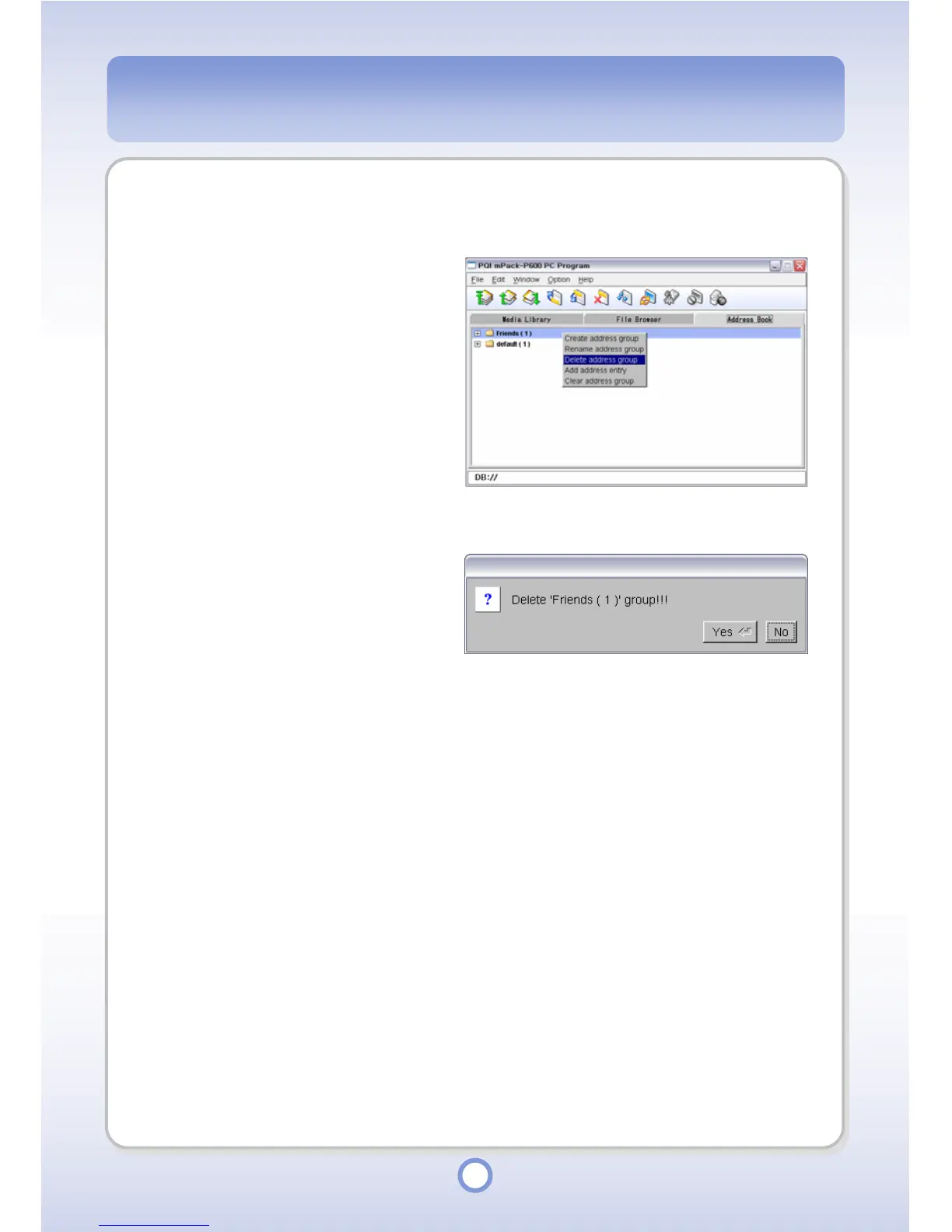
Select a group to be deleted and
right-click over the selected
group name.
2
Select <Delete address group>
from the pop-up menu
.
- The group deletion confirmation
message appears.
3
Click <Yes> button to delete the
group.
- The selected group is deleted.
- You cannot restore a deleted
group.



 To Next Page