93
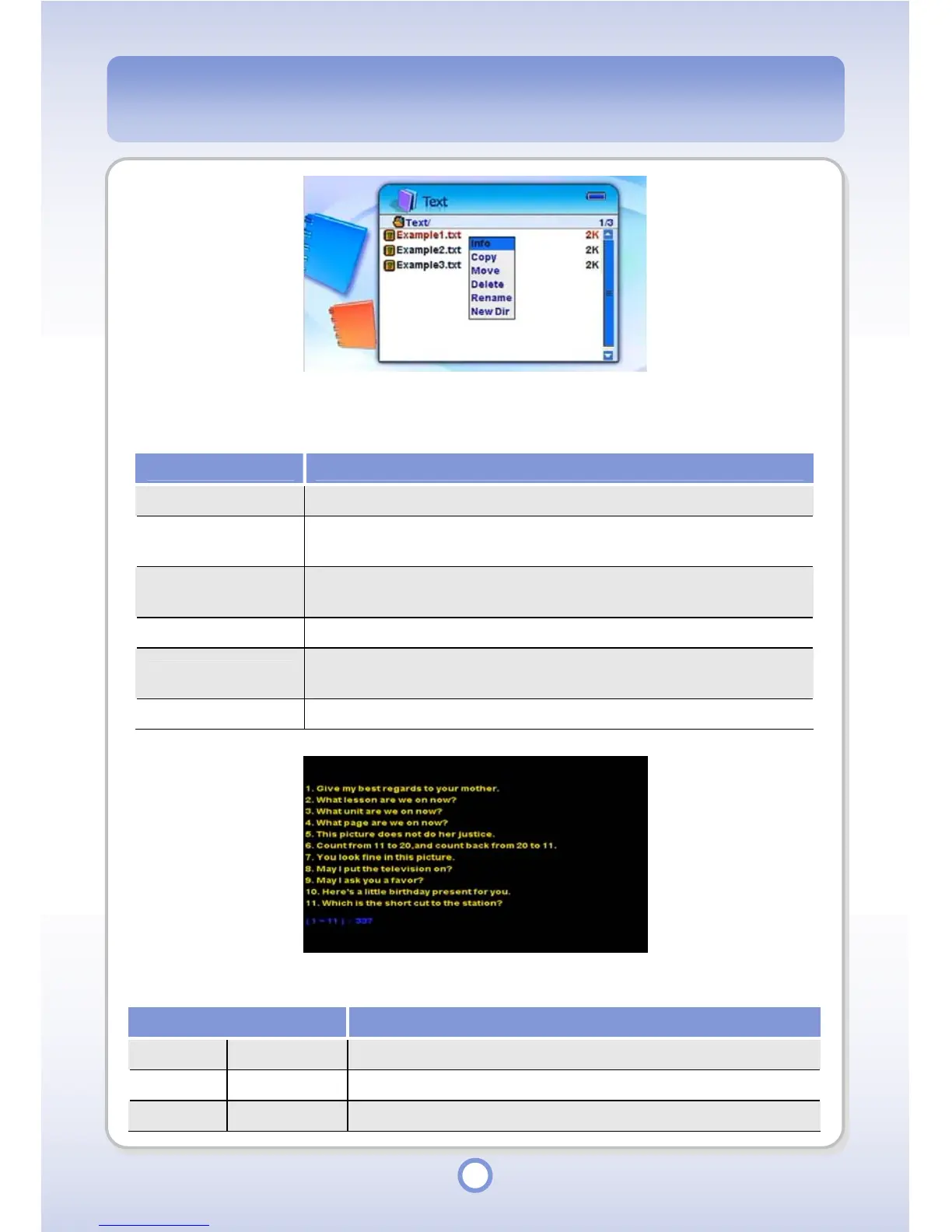
When you press the <MENU> button in the text file list, a pop-up menu appears providing the
following functions.
Item Description
Info You can view information about the text file.
Copy
You can copy a file or folder to another folder. Press the || button and
▶
hold over a desired folder, and select <Paste> from the pop-up menu.
Move
You can move a file or folder to another folder. Press the || button and
▶
hold over a desired folder, and select <Paste> from the pop-up menu.
Delete You can delete a text file.
Rename
You can rename a text file. Enter a new name using the screen
keyboard.
New Dir You can create a new folder.
The functions of the Navigation button in the Text Viewer (Read Mode) are listed below.
Item Description
▲
Press to move the cursor up by one line.
▼
Press to move the cursor down by one line.
◀
Press to move the cursor up by one page.



 To Next Page