53 | Chapter 1 : DVR User Manual
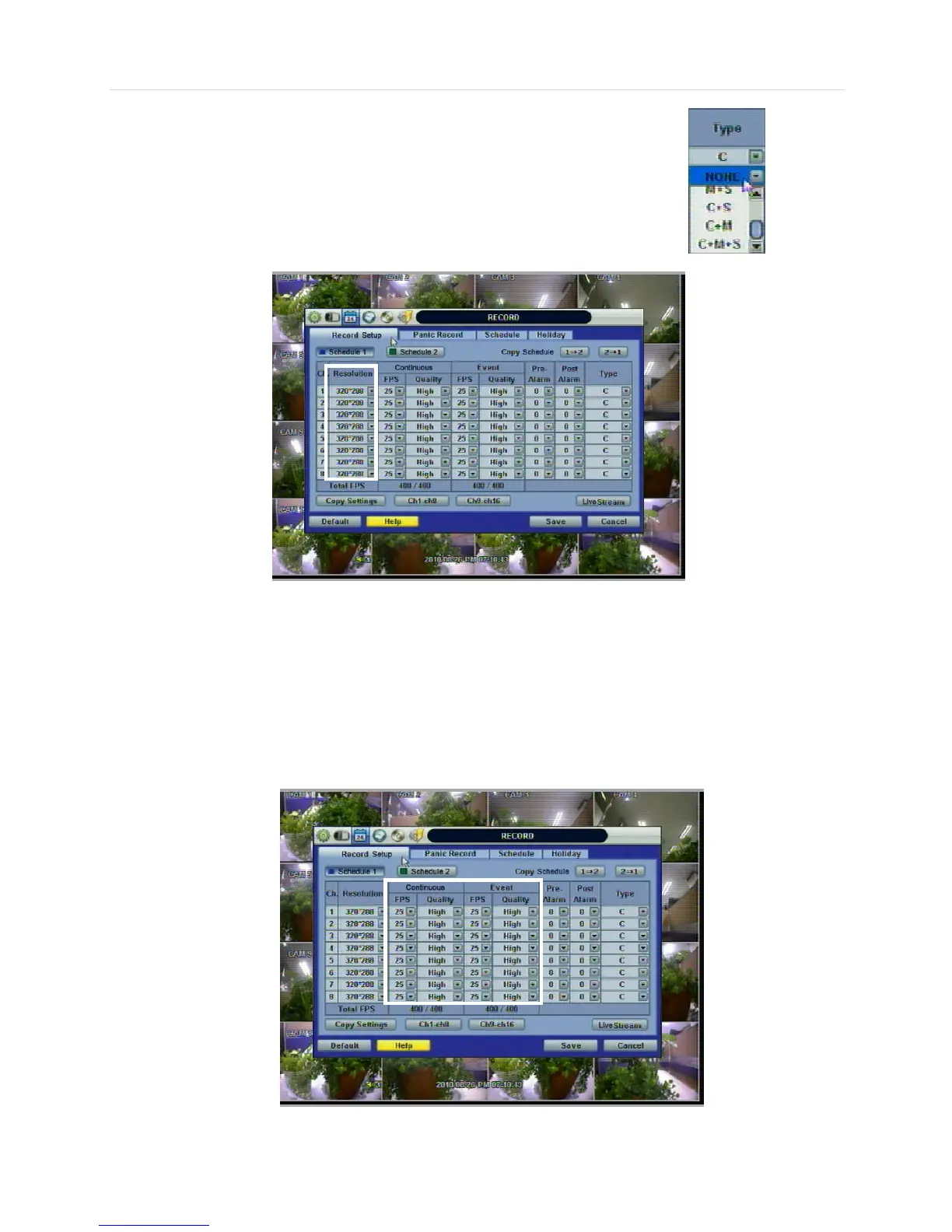
If you want to disable a specific camera from recording, select the “NONE” option for the Type.
<Resolution setup>
Select the record resolution for each camera channel.
Users can select the record resolution for each camera channel. The record resolution is applied to both Continuous and
Event (Sensor, Alarm, Motion) record settings.
In here, the resolution means required horizontal and vertical pixels in a page. The resolution is indicated as (horizontal) X
(vertical) pixel number. Select one setting from 352×240/288, 720×240/288, and 720×480/576. Default is 352×240/288. As
the resolution number increases, the picture quality is higher. In fact, 352×240 is VHS level and when high quality camera is
used, 720×480/576 shows DVD level picture quality. When the picture quality gets higher, the storage capacity is bigger and
the recording period will be shorter. Thus, selecting an appropriate resolution according to the situation is important.
<FPS and Quality Setup>



 To Next Page