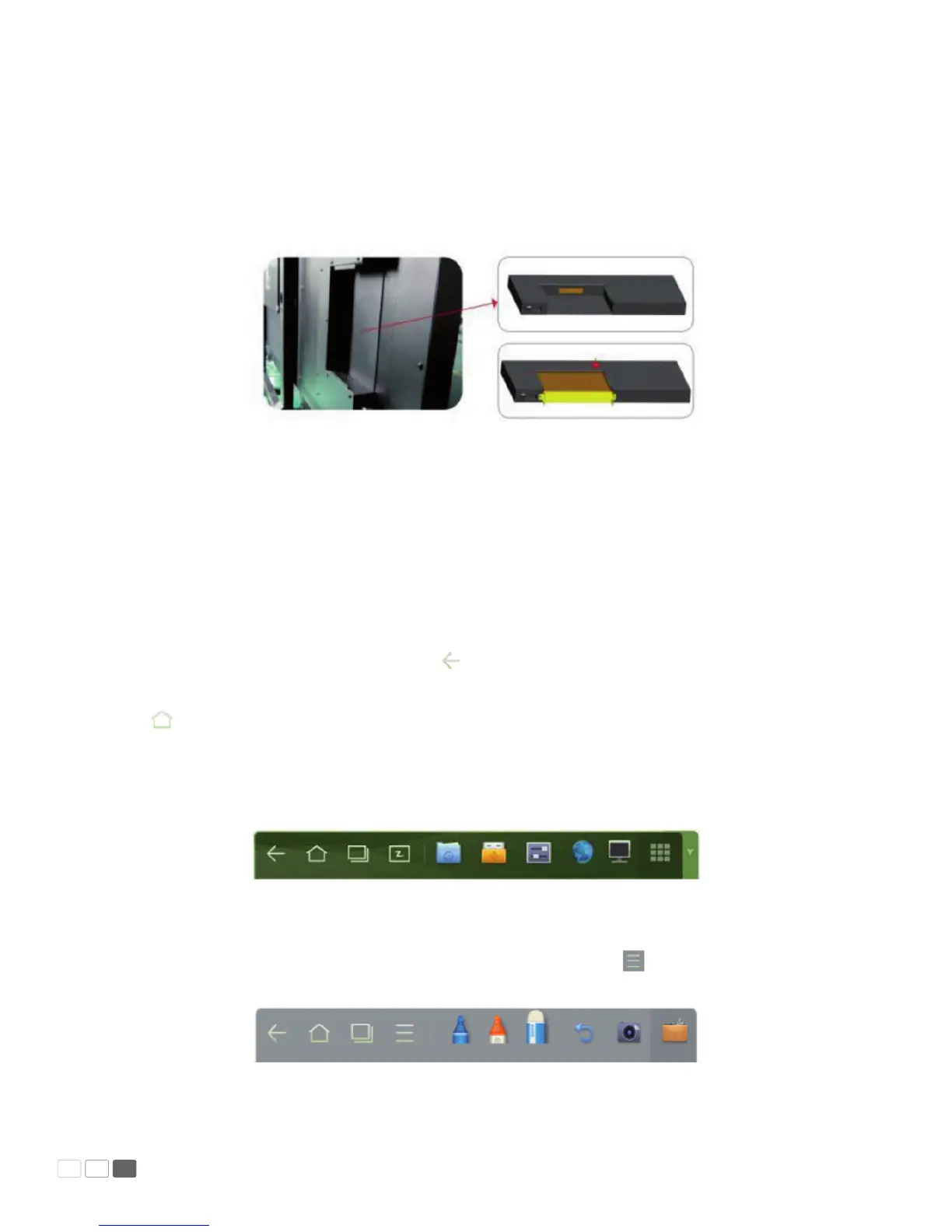
Assemble Built-in Computer
Insert OPS computer into the slot and fasten it with two M4 screws on the left and right. Please make
sure to fastener the M4 screws; otherwise, the OPS will not work properly.
Note:
The OPS computer is not plug-and-play. Disconnect the interactive panel from the power before
inserting the OPS computer.
Smartbar
The smartbar has three modes: Home Page, White Board, and Remarks.
Under any of the three modes, you can click on the toolbar to go back to the previous page
and click
to exit from other programs or go back to the home page from other signal sources.
•
On the home page, the smartbar is under the home page mode and shows icons of the white
board, gallery, le manager, system setting, browser and listen alone mode. You can click an icon
to open the corresponding program.
(Home page mode)
•
After the white board program is started, the smartbar enters the white board mode, under which
you can choose a pen, line and color to write on the white board. Click and select New, View,
Delete or Setting from the menu.
(White board mode)
Manual Predia Touch Pro
17



 To Next Page